---
title: "Sample PSD Files"
canonical: https://customerscanvas.com/docs/cc6/psd-samples.htm
archived: true
applies_to:
- product: "Customer's Canvas On-Premises"
- product: "Design Editor"
versions: ["6.15.0", "6.x (may differ)"]
---
**You’re viewing outdated documentation.** [View the latest Customer’s Canvas On-Premises documentation](https://customerscanvas.com/docs/on-premises/).
# Sample PSD Files
**Applies to:** Customer's Canvas On-Premises; Design Editor 6.15.0, 6.x (may differ) · **Archived documentation**
You can download these PSD samples illustrating features of Customer's Canvas.
| 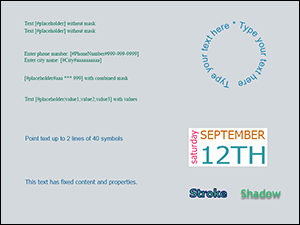 | Plain Text - Point text
- In-string placeholders and masked text
- Curved text with hints
- Auto-scaled text
- The stroke and shadow effects
- Max line and character count
[text.psd](https://customerscanvas.com/docs/cc6/samples/text.psd) |
| --- | --- |
| 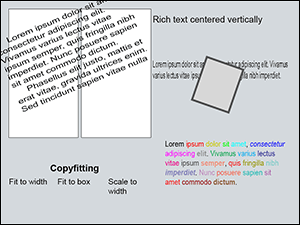 | Rich Formatted Text - Wrapping text inside shapes
- Wrapping text around design elements
- Multicolumn text
- Alignment of bounded text
- Max character count for a text block
- Copyfitting of plain bounded text
[rich-text.psd](https://customerscanvas.com/docs/cc6/samples/rich-text.psd) |
| 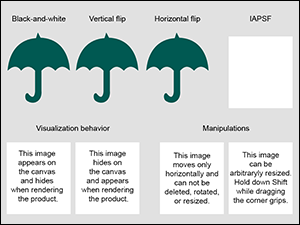 | Images - Image effects
- Restricting an image source folder
- Manipulation permissions (allow/forbid move, resize, rotate, etc)
- Show/hide an element in the editor or a print file
[images.psd](https://customerscanvas.com/docs/cc6/samples/images.psd) |
| 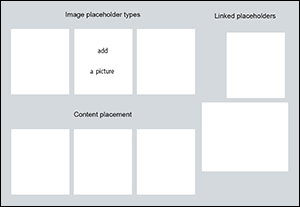 | Image Placeholders - Standard/empty/stub placeholders
- Linking the placeholders to share their content
- Transforms
- Alignment of the placeholder's content
[image-placeholders.psd](https://customerscanvas.com/docs/cc6/samples/image-placeholders.psd) |
| 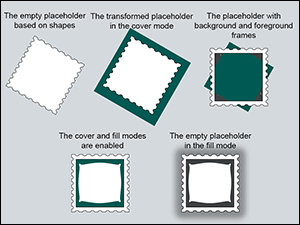 | Image Placeholders with Frames - Image placeholders with frames
- Transforms of image placeholders
[placeholders-with-frames.psd](https://customerscanvas.com/docs/cc6/samples/placeholders-with-frames.psd) |
| 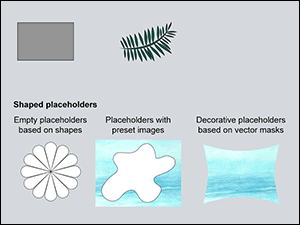 | Vector Shapes - Adding vector shapes to designs
- Three ways of creating the shaped placeholders
[vector-shapes.psd](https://customerscanvas.com/docs/cc6/samples/vector-shapes.psd) |
| 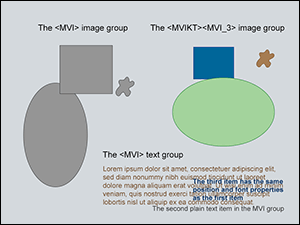 | Multi-value Items - Predefined values of the text and image elements
- Common and private properties of the multi-value items
[multi-value-items.psd](https://customerscanvas.com/docs/cc6/samples/multi-value-items.psd) |
|  | Product Themes - Colorable properties of design elements
- Binding the properties to a theme color
[color-theme.psd](https://customerscanvas.com/docs/cc6/samples/color-theme.psd) |
| 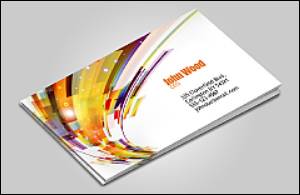 | 3D Preview - A product design template
- A preview mockup
- DI code sample
[3D-preview-sample.zip](https://customerscanvas.com/docs/cc6/samples/3D-preview-sample.zip) |
## See Also
### Manual
- [Photoshop Templates](https://customerscanvas.com/docs/cc6/creating-templates-in-adobe-photoshop.htm.md)
- [Dynamic Image API](https://customerscanvas.com/docs/cc6/dynamic-image-api.htm.md)