User info
- Less than a minute to read
To improve the user experience and save customers time when personalizing products, StorefrontJS allows you to prepopulate design fields with data from their account. For example, if your system stores customer names, phone numbers, and email addresses, you can pass this data to StorefrontJS and prefill these fields in the product design. So, customers can easily personalize products without having to enter the same information multiple times.
When a customer begins editing a product, they see the product design with predefined design elements.
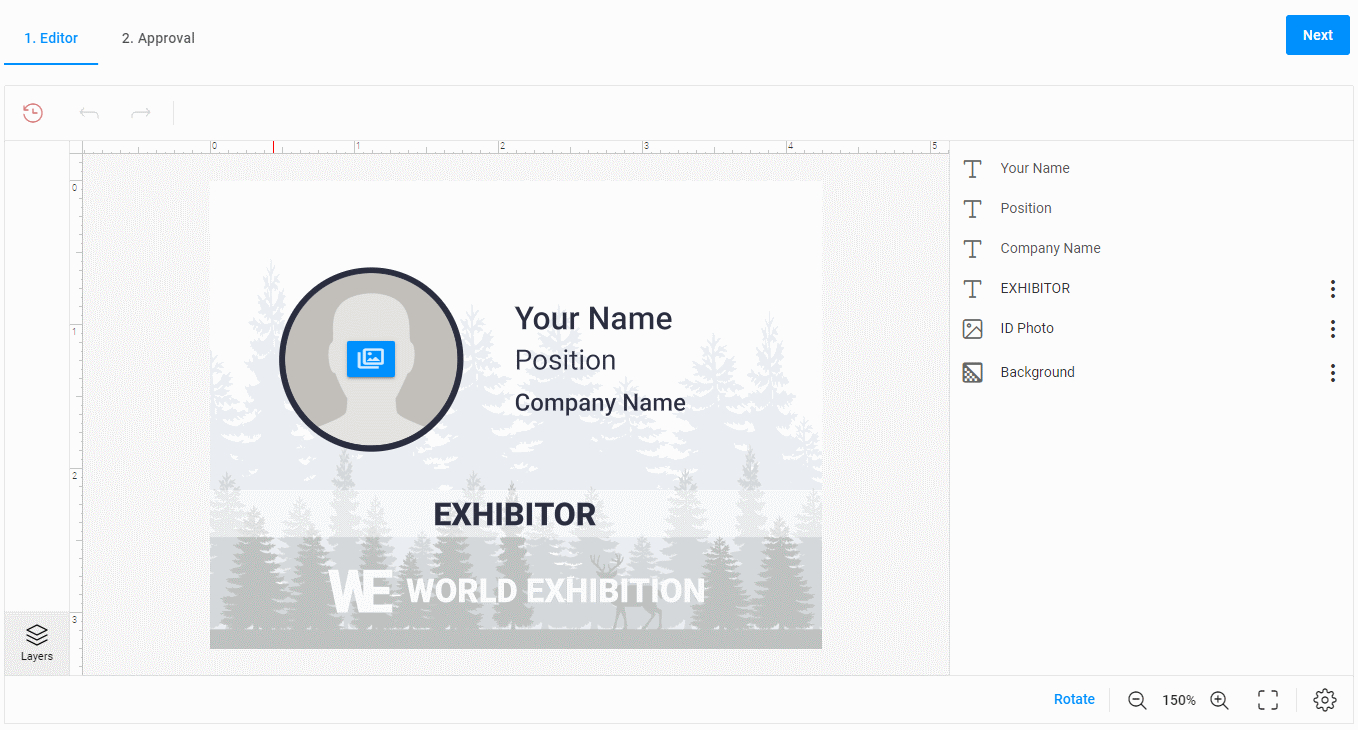
However, you can improve the user experience and prefill the custom fields with customer details, such as their name and any data that you want to pre-populate in the design.
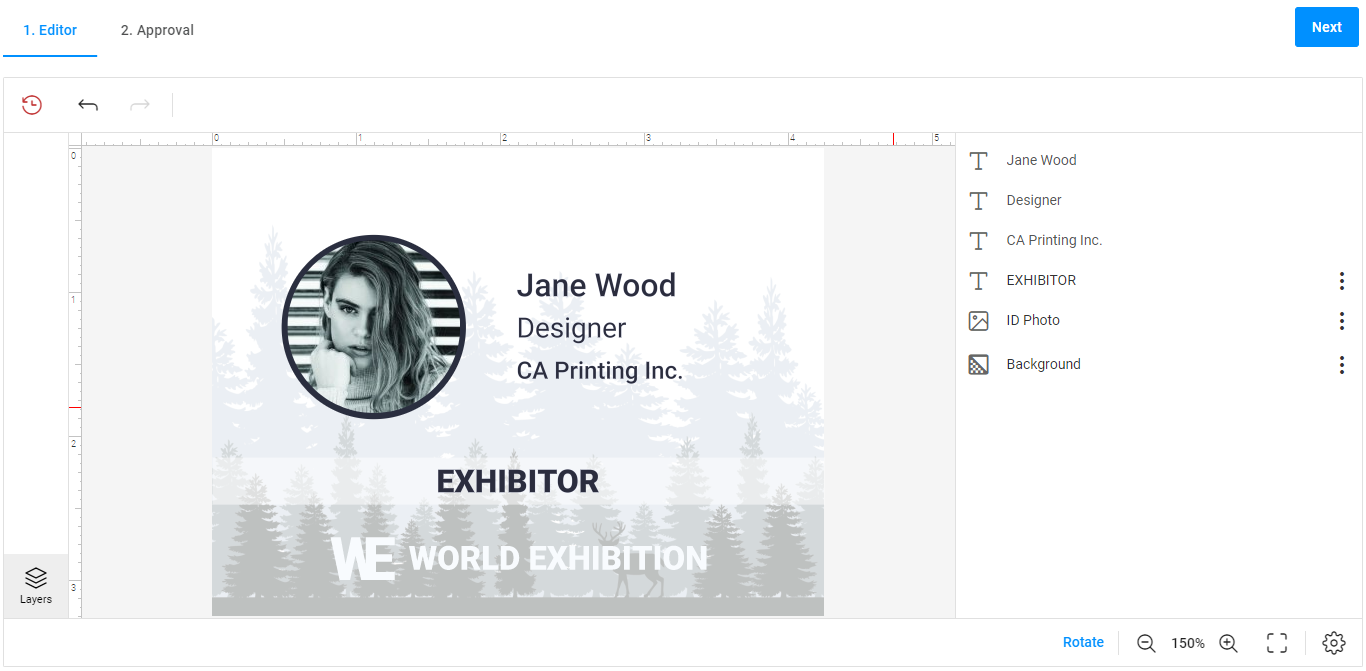
Here's an example of how to pass the userInfo object with customer details to the loadEditor method. The data object contains key-value pairs, where keys are the field names, and values are the user data stored in your system.
const userInfo = {
    id: "Jane.Wood",
    data: {
        "Your Name": "Jane Wood",
        "Position": "Designer",
        "Company Name": "CA Printing Inc.",
        "ID Photo": "https://example.com/photos/j.wood.jpg"
    }
};

await storefront.loadEditor(container, data, userInfo);
As a result, the editor opens with prefilled custom fields.