Catch problems in customer PDF files before they slow down production. Check uploaded artwork against your print requirements, flag issues, and help buyers correct supported errors before their orders move forward.
Preflight software that catches print file problems early
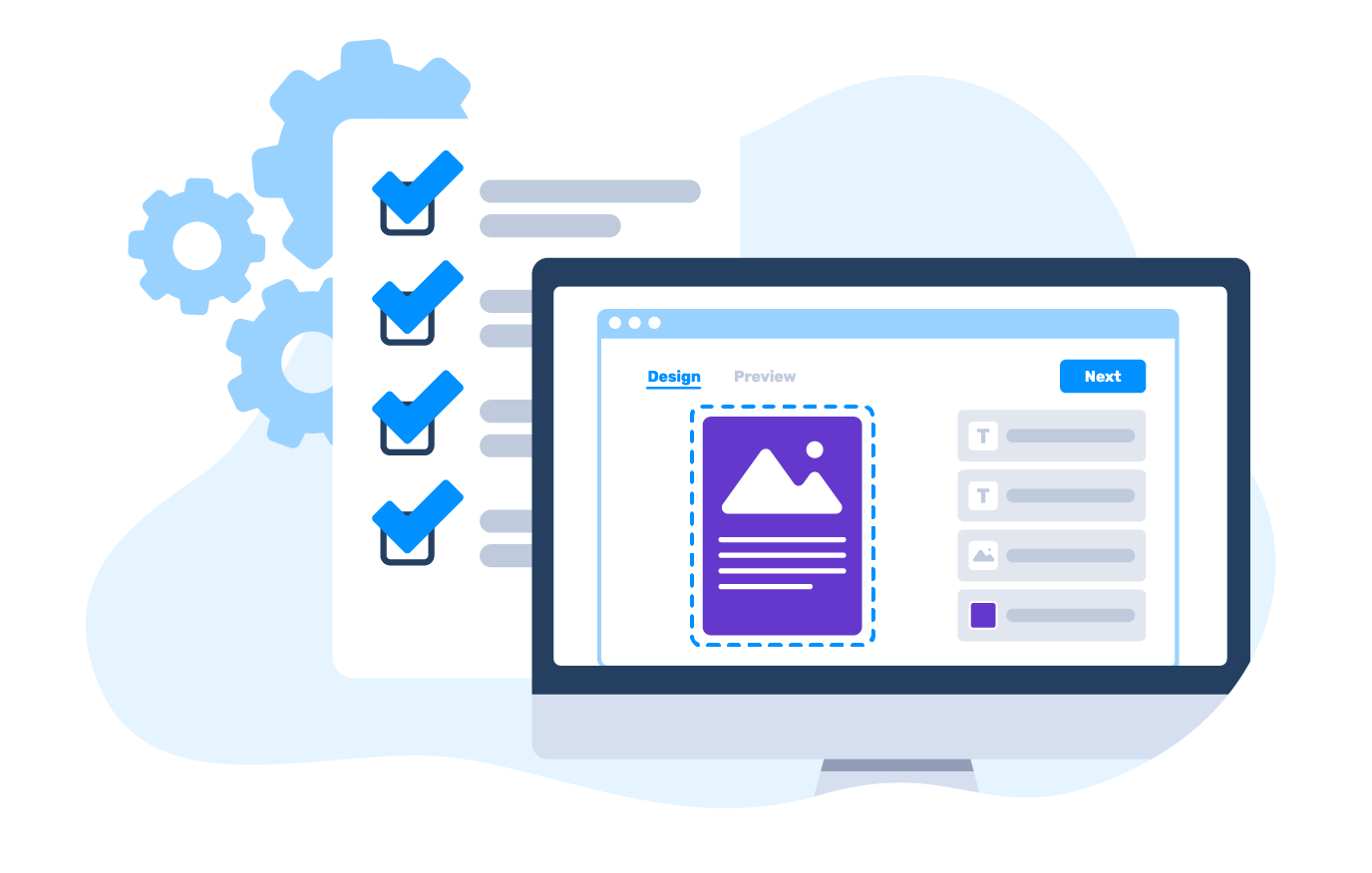
How can you catch artwork problems before an order reaches production?
Let customers run PDF preflight online as part of the ordering process, while they can still act on the feedback. Instead of discovering file problems after checkout and exchanging corrected artwork over email, your team can receive files that have already passed through configured validation.
Customers upload their designs, review the findings, and address supported issues before continuing. This helps reduce avoidable prepress work and delays.

What can PDF preflight software check?
Automated preflight software examines uploaded artwork against your production specifications. Identify technical issues early and give customers clear feedback before unsuitable files reach your print workflow.

File format
Check that uploaded files use formats accepted by your workflow. Apply PDF-specific validation where configured.

Position and orientation
Identify artwork with incorrect page orientation or positioning that does not match the intended print area.

Color spaces
Check whether artwork uses the color spaces required for printing, including configured RGB and CMYK requirements.

Fonts
Check whether fonts are embedded or outlined and identify text that does not meet configured size requirements.

PDF page boxes and bleed
Check PDF page boundaries, trim and bleed boxes, and whether artwork fits the required production area.

Image resolution
Detect images below the configured resolution threshold and warn customers when graphics may not print as expected.
Can you configure preflight rules for each print product?
Yes. Your preflight check software should follow the specifications of the product being ordered, rather than apply the same rules to every file.
Customer's Canvas lets you configure requirements for properties such as color spaces, image resolution, fonts, page orientation, and bleed. Set which findings should appear as warnings and which errors must be resolved before the workflow continues.
What happens when an uploaded PDF fails validation?
Customers need to understand what went wrong before submitting their orders, while your production team needs to know which issues remain unresolved. Customer's Canvas keeps this feedback close to the upload process instead of turning every error into a separate email exchange.

Let customers fix their artwork
Give buyers the tools to address supported positioning and orientation problems. They can adjust how artwork fits the print area without preparing an entirely new file.

Apply supported automatic fixes
Correct certain problems automatically when the relevant rules and fixes are enabled. Examples include color-space conversion and converting text to curves in supported workflows.
Once the required issues are resolved, Customer's Canvas can generate a processed PDF for the next production step.

Explain what needs attention
When an issue cannot be fixed automatically, provide clear warnings and error information so customers understand what needs to change before the file can proceed.
Where does preflight fit into your ordering workflow?
Preflight is a validation step, not a replacement for your storefront, order management, or production systems. Add file checks where they help prevent unsuitable artwork from moving to the next stage.
Customer's Canvas software allows you to integrate preflight with your online ordering application and backend processes. Your existing systems can continue handling products, orders, and production while automated validation helps identify problems in incoming customer artwork.
For the next stage, explore print file generation.

How does preflight work in a real B2B ordering process?
Chameleon Like uses Customer's Canvas in its B2B ordering experience, allowing buyers to upload prepared artwork and review designs before approval.
The implementation illustrates how file validation can work alongside personalization, proofing, and ordering, helping buyers and print providers coordinate the steps before production.

How can you add preflight to your business?
Bring print preflight software into your existing order intake without replacing the applications your business already relies on. Add automated file checks where customers submit artwork and connect validation with the next steps in your workflow.

Launch with a ready-made B2B ordering application
Let business customers upload artwork while ordering print products. Configure supported PDF upload and preflight workflows to validate files before orders move forward.

Integrate preflight into your own application
Use the Preflight Tool, workflow components, and APIs to add file validation to your storefront, existing portal, or custom software. Connect validation results with your order processing and production systems.

Add file validation to your existing online store
Connect ecommerce products with supported artwork upload and personalization workflows. Configure preflight where available while keeping your existing storefront, cart, and checkout.
Ready to reduce manual artwork checks?
Tell us what files your customers upload, which problems slow down production, and where validation needs to happen. We'll help you identify the right preflight rules, correction options, and implementation approach.