A complete set of powerful design editing tools, built to handle even the most demanding print personalization projects.
Design editing built for print
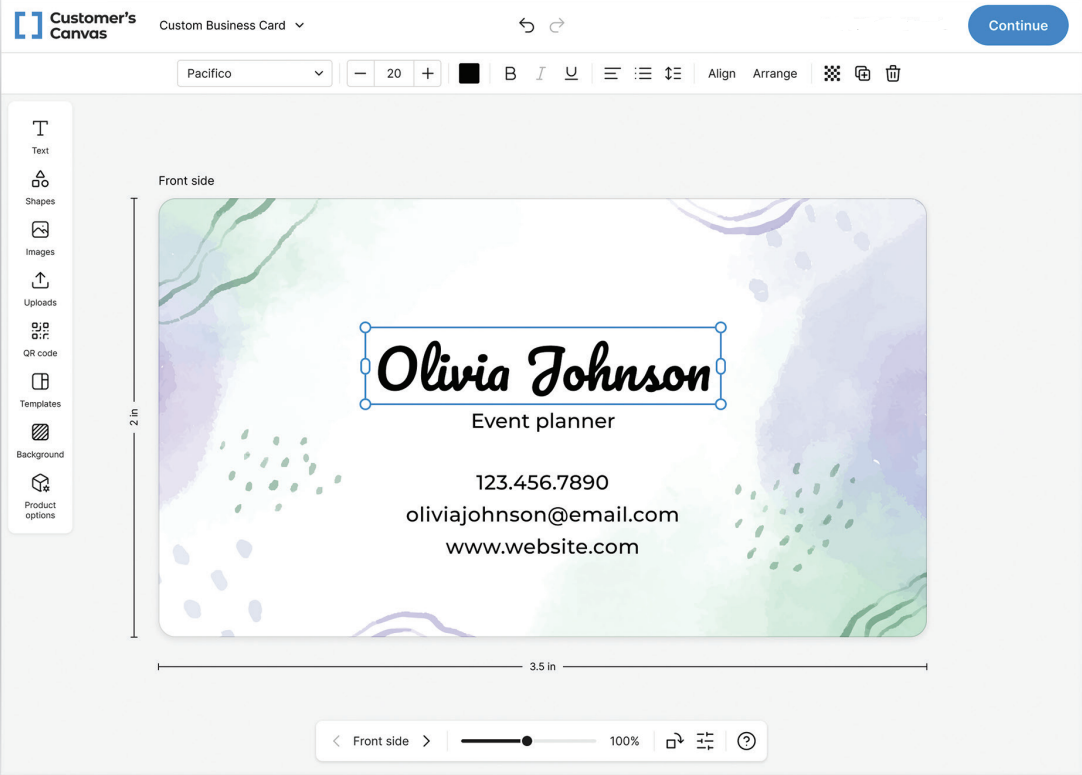
From simple edits to complex designs
From updating contact details on business cards to arranging graphics across packaging panels, artwork editing covers a wide range of design operations. Text, images, shapes, colors, and layouts can all be modified to suit different print products.
Explore the capabilities


Text editing and typography
A comprehensive set of text editing tools, from basic content changes to detailed typography and text layout adjustments.
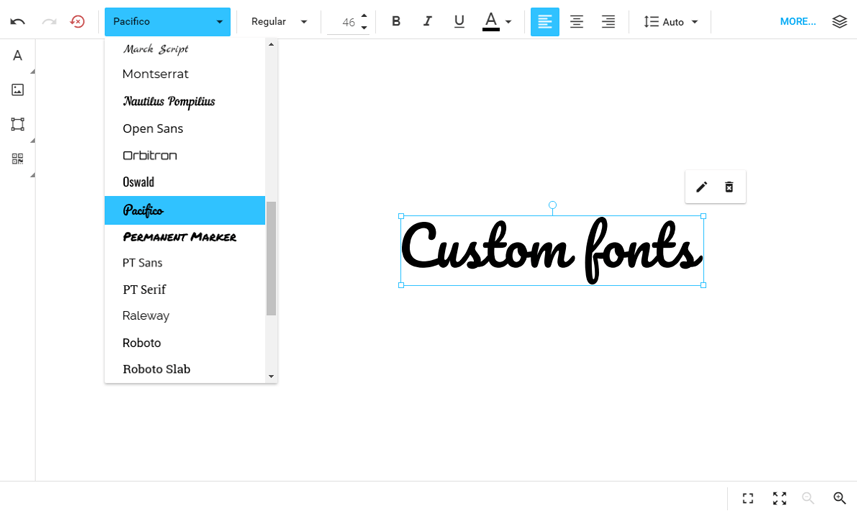
Font selection, sizes, styles, colors, alignment, letter spacing, and line spacing.
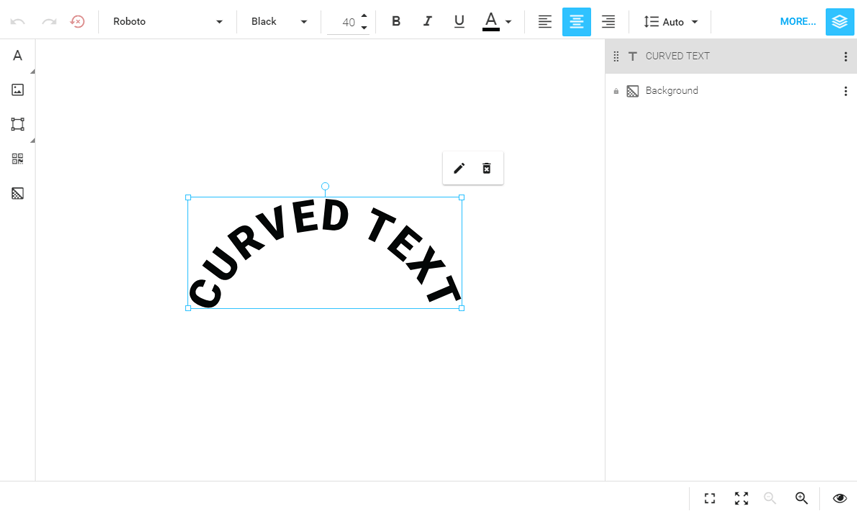
Rich text formatting, curved text, and text effects for more complex designs.
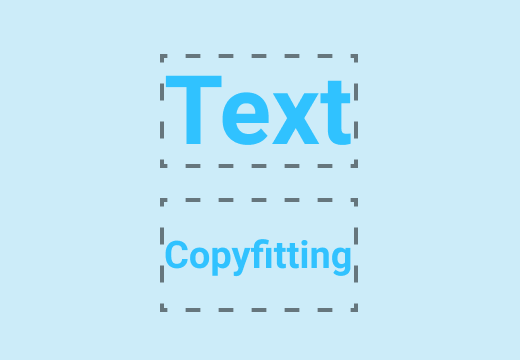
Automatic text adjustments to fit changing content within predefined areas.
Image editing and adjustments
Tools for placing, replacing, and adjusting images directly within print artwork.
Image cropping, scaling, and positioning within design areas.
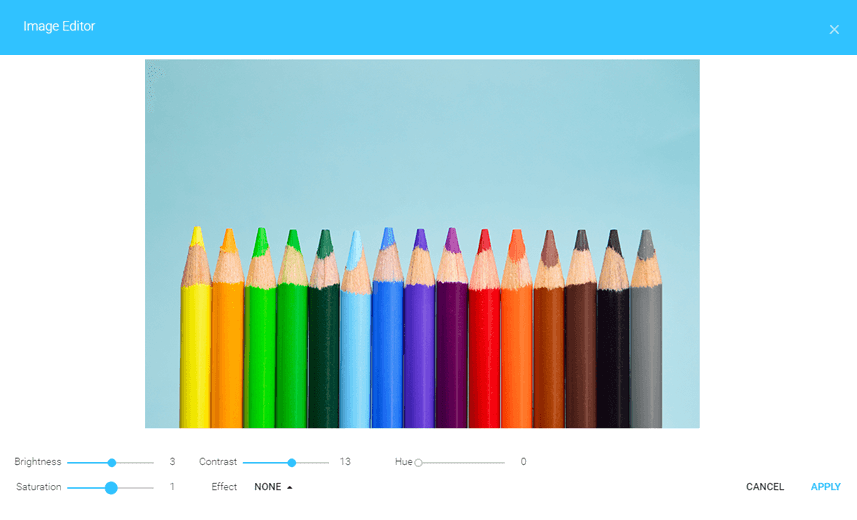
Brightness, contrast, color adjustments, and filters.
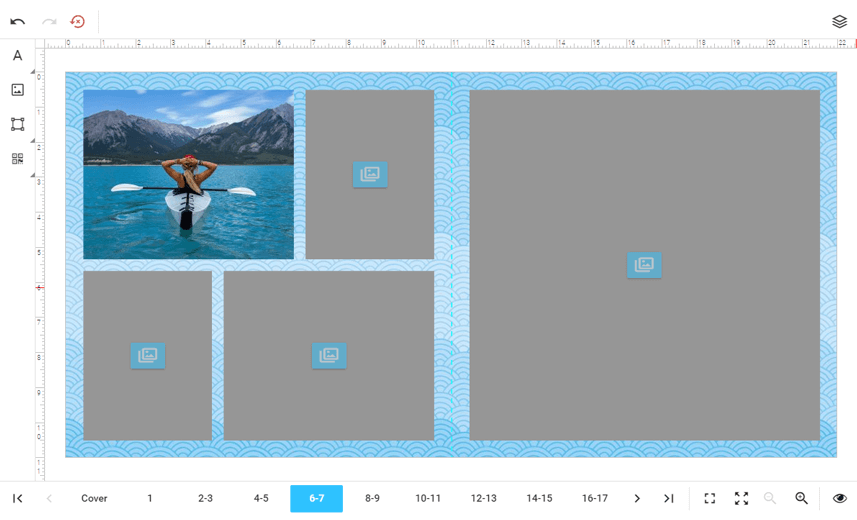
Predefined image areas with support for custom shapes and masks.
Shapes and graphic elements
Support for working with shapes, vector graphics, and other design objects.

Shape and vector graphic elements

Object resizing, rotation, and positioning

Color, opacity, and graphic properties

Grouping and arranging multiple objects
Color editing and palettes
Color controls for text and graphic elements, including custom palettes for designs with specific color requirements.

Color selection
Flexible color options for individual design elements, including CMYK and spot colors.

Custom color palettes
Predefined color sets for branded products and other controlled designs.
Layer and layout editing
Tools for organizing design elements and working with complex, multi-object compositions.
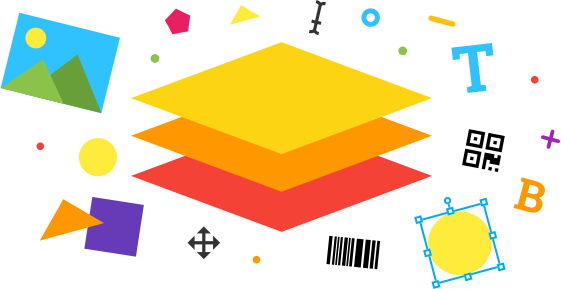
Object stacking order and visibility controls.
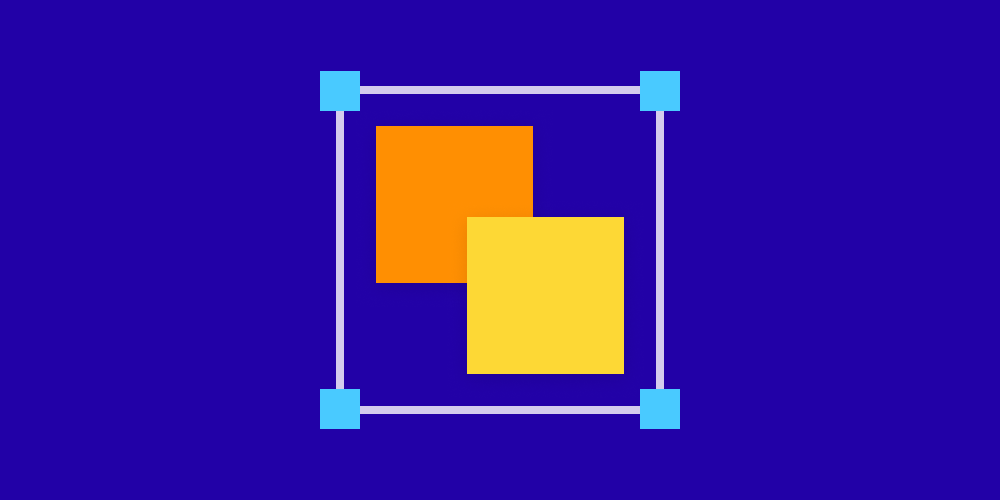
Grouping related objects and aligning elements within a design.
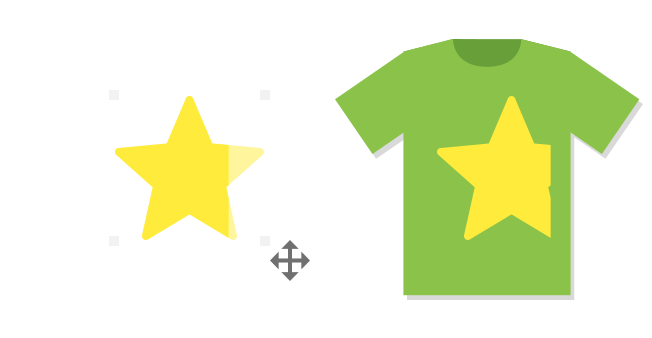
Movement, resizing, rotation, and arrangement of design elements.
Multi-surface design editing
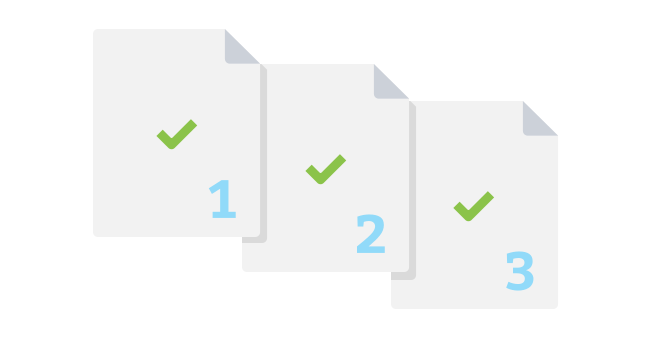
Support for artwork that spans multiple sides, pages, or panels, including double-sided business cards, multi-page products, and packaging.
Individual surfaces can be edited while remaining part of the same product design.
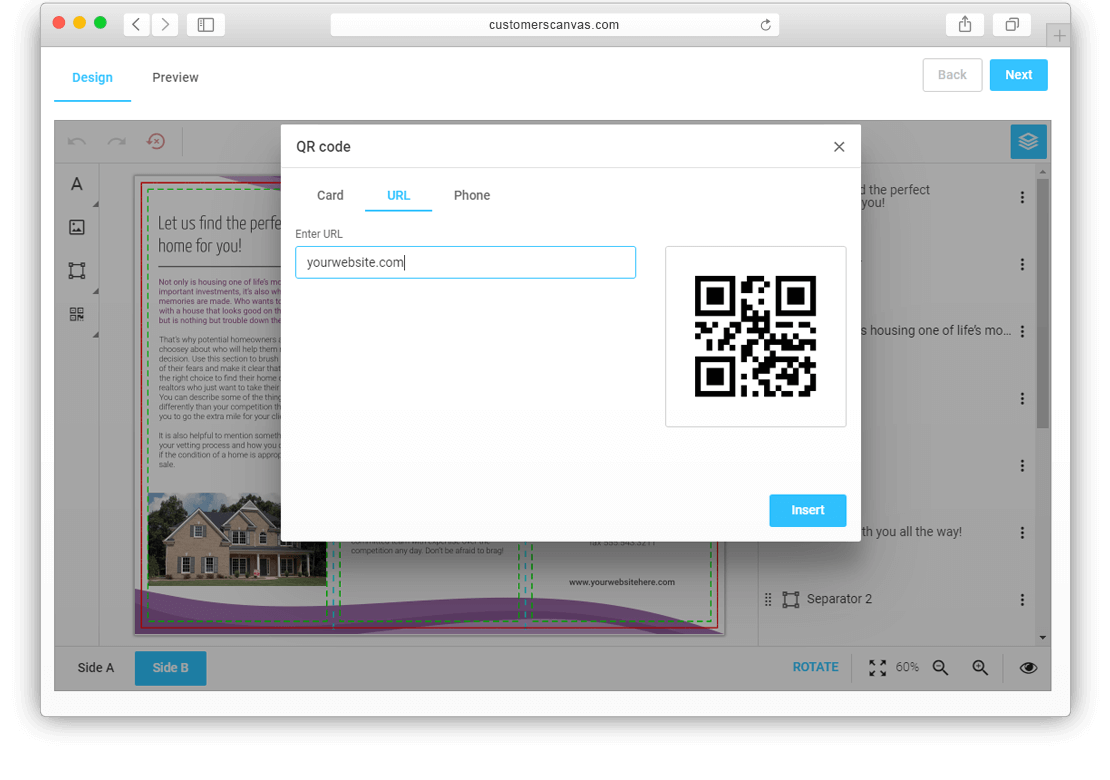
QR codes and barcodes
QR codes and barcodes can be created and placed as design elements.
Support for fixed values and variable content, including URLs, product identifiers, and other data-driven values.
Editable elements and design restrictions
Editing controls determine which parts of a design can be modified and which must remain unchanged.

Editable placeholders
Defined areas for replacing text, images, and other content.

Locked elements
Protection for logos, legal text, and other fixed design elements.

Editing restrictions
Controls for available fonts, colors, object properties, and layout changes.
Variable data editing
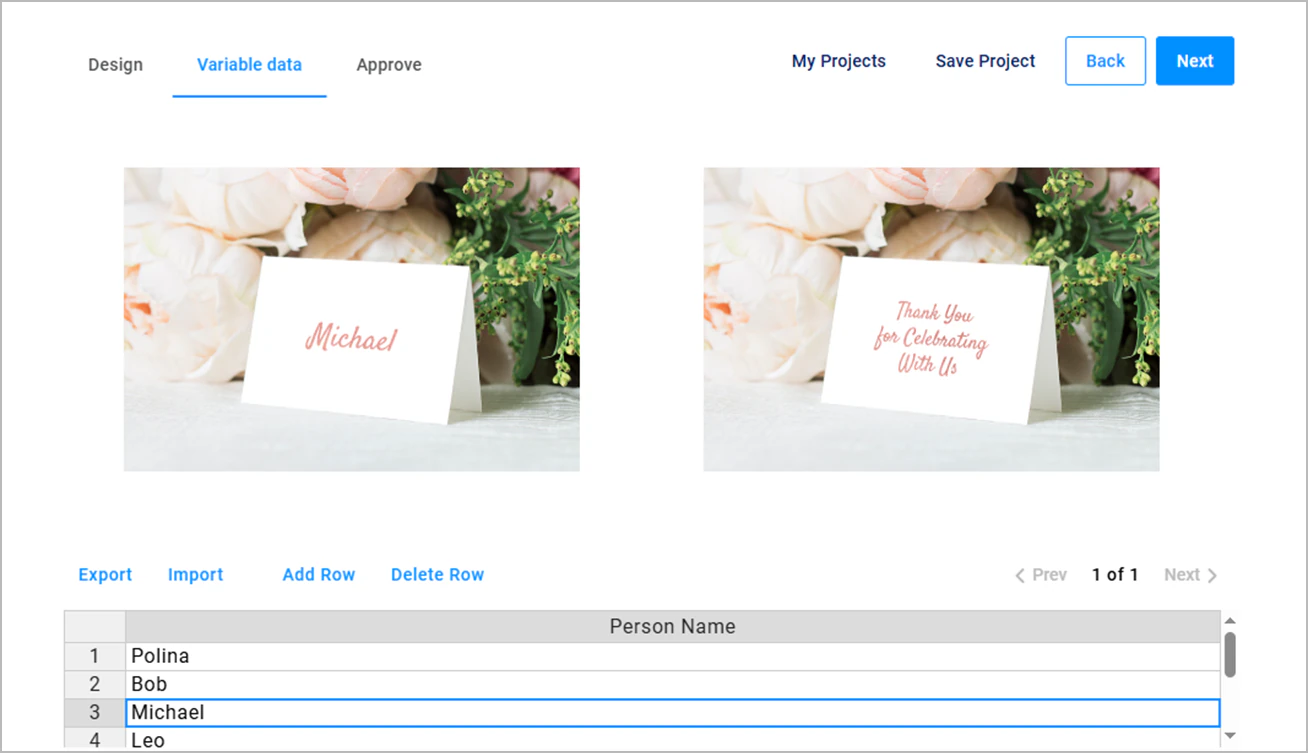
Text, images, and other supported design elements can be linked to data fields and updated from individual records.
A single design layout can be populated with different names, images, codes, and other variable content.
AI image generation and enhancement
AI-powered tools extend artwork editing with image generation and enhancement capabilities.

Text-to-image generation
Generation of new images from text prompts.

Image upscaling
Higher-resolution versions of raster images for use in larger designs.

Background removal
Automatic background removal to isolate subjects and objects.
Image vectorization
Conversion of raster graphics into scalable vector artwork.
Three ways to bring design editing into your workflow
The same powerful design editing capabilities can be used in different ways, depending on your needs.

Ready-made editors
Add a fully featured visual editor to your application without building one from scratch.

Build your own editor
Create a custom visual editing experience using Customer's Canvas Hub APIs, with the tools and interface your application needs.

Headless design editing
Modify designs programmatically through Customer's Canvas Hub APIs, without opening an editor or requiring user interaction.
Artwork editing across print products

Business cards and stationery
Text, contact details, logos, and typography.

Photo products
Image replacement, cropping, and layout adjustments.

Packaging
Graphics and text across multiple panels and surfaces.

Labels and stickers
Text, graphic elements, QR codes, and variable data.
Bring design editing to your business
Choose how to bring powerful design editing capabilities into your business, whether you're launching a print ordering application, extending your own software, or enhancing an existing online store.

Launch with a ready-to-use web-to-print solution
Offer design editing as part of a complete web-to-print ordering application, with product personalization, catalogs, and ordering workflows.

Build with an API-first personalization platform
Bring design editing into your own applications with embeddable editors, APIs, and configurable personalization workflows.

Enhance your store with ready-made ecommerce plugins
Add design editing to your existing online store. Let customers personalize print products while keeping your current storefront and checkout.
Explore artwork editing for your application
From customer-facing design tools to API-driven artwork changes, Customer's Canvas offers different ways to bring editing functionality into print applications.