Let customers personalize the merchandise you sell, while your team stays in control of the artwork and decoration requirements for each product.
Make custom merchandise easier to order and decorate
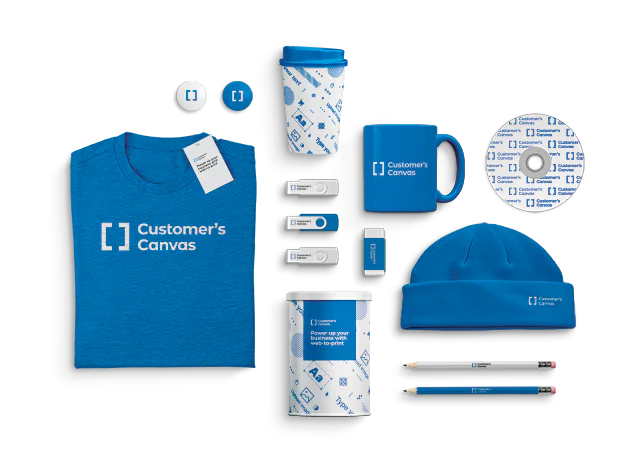
Different products. Different ways to personalize
A T-shirt, a bottle, and a journal may carry the same logo, but they don't share the same decoration requirements.

Apparel and bags
Offer customization for shirts, caps, totes, and other fabric products, with decoration areas defined for each item.

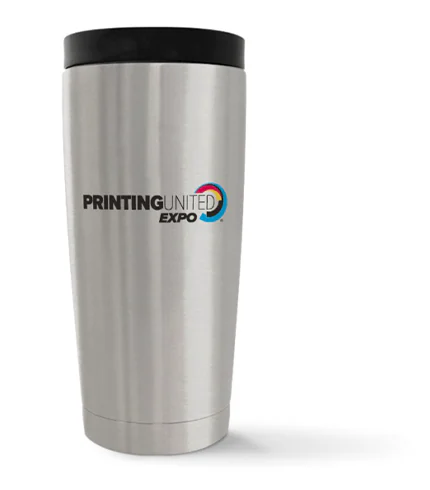
Drinkware
Show how artwork looks on bottles, mugs, and other products with curved or wraparound decoration areas.

Journals and gifts
Combine product choices with personalized designs or customer-supplied artwork for branded gifts and accessories.
Make customization fit the product
A design that works on a tote bag may need a different placement, size, or color treatment on another item.
Define the available decoration areas and editing options for each product instead of leaving buyers to guess what can be printed.
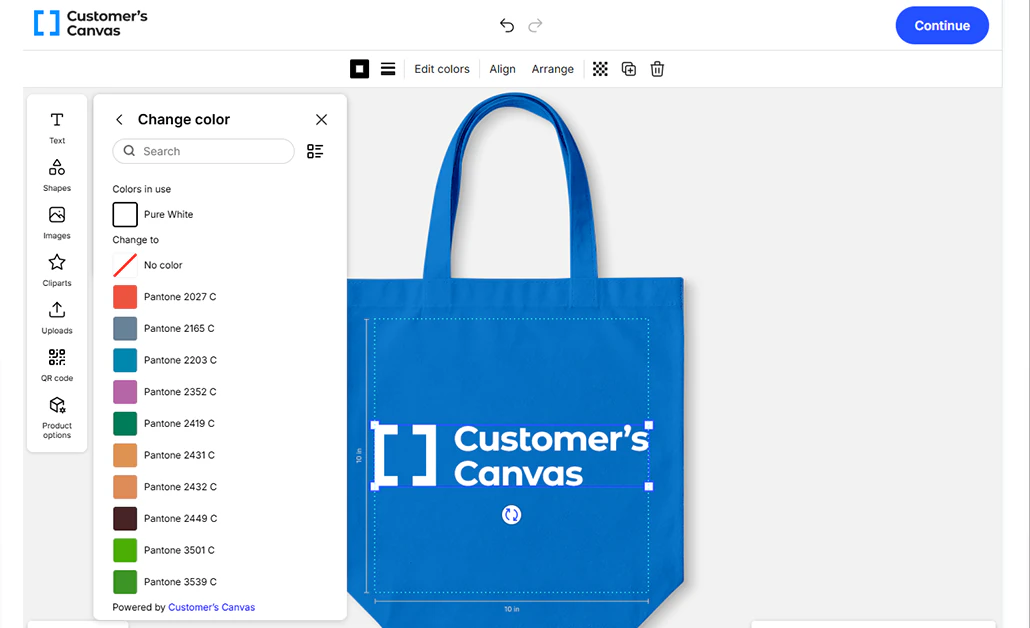
Not every order starts with a blank design
Give buyers a suitable way to provide artwork, whether they're adapting a template or bringing their own.

Personalize a template
Change names, logos, images, or other editable elements within a prepared design.

Create a design online
Allow more creative freedom within the decoration area configured for the product.

Upload finished artwork
Let buyers submit existing designs without rebuilding them in an online editor.
Show the design on the actual product
A logo on a flat canvas doesn't tell the whole story.
Product previews help buyers check placement, scale, and appearance before ordering, using mockups configured for the merchandise being sold.
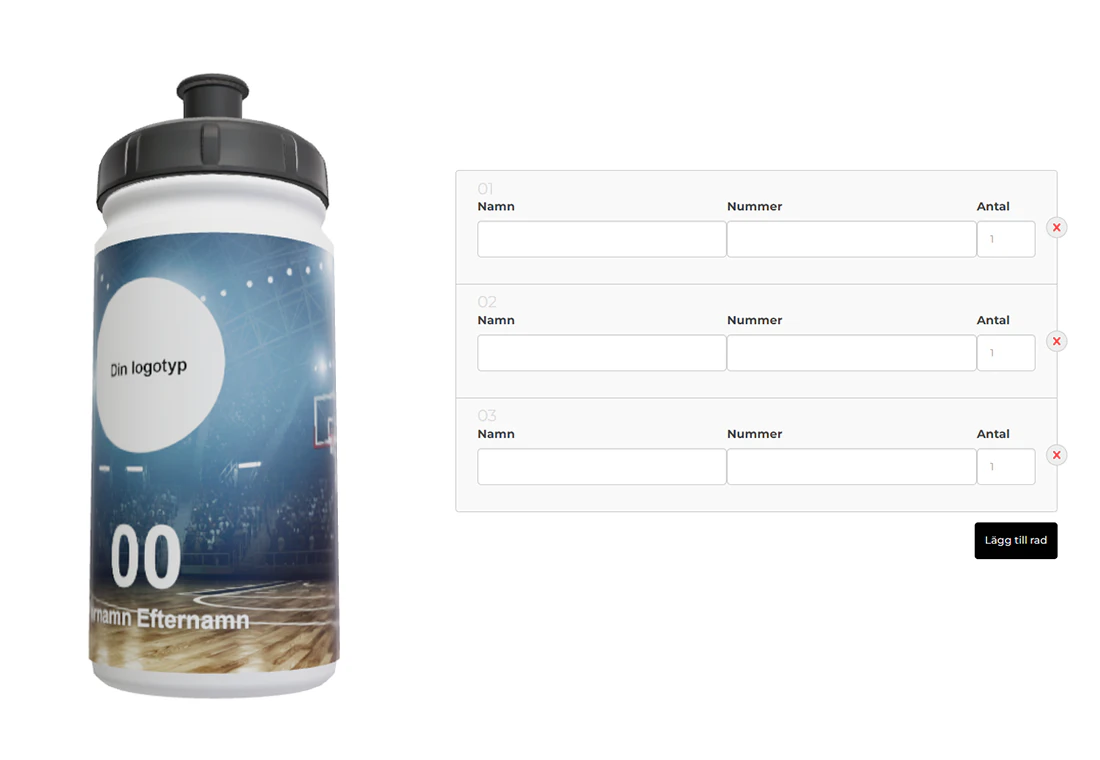
Personalization that goes beyond a single logo
In the DesignDirekt project, shoppers could customize bottles, review a 3D preview, and provide individual names and numbers for their order.
The storefront also generated high-resolution PDFs for the configured production workflow.
When the artwork is already finished
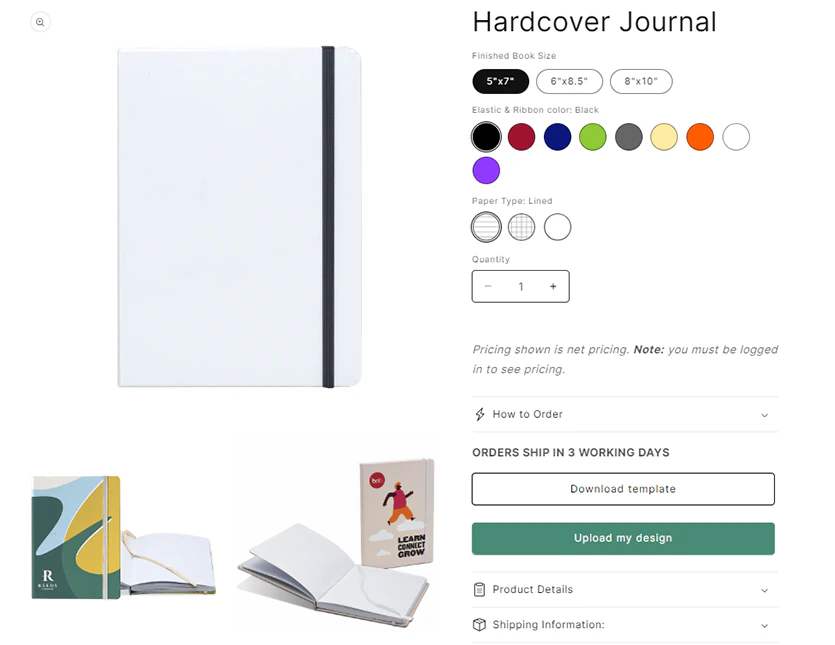
For Chameleon Like, distributors can select a journal, download its artwork template, upload their finished cover design, and review a proof before ordering.
The ordering experience follows the way these products are actually sold, without requiring every buyer to design from scratch.
A good-looking mockup is only half the job
The artwork a decorator needs depends on how the product will be printed or marked.
Customer's Canvas Hub supports configured artwork rendering and output workflows. Requirements such as screen-print separations, embroidery digitizing, and engraving instructions remain specific to the downstream production process.

Bring personalization into your merchandise business
Choose the approach that fits how you already sell and manage orders.

Launch an online ordering portal
Customer's Canvas Portal provides a configurable web-to-print ordering application for your supported merchandise assortment.

Add customization to your storefront
Integrate Customer's Canvas Hub personalization capabilities into a supported ecommerce or ordering workflow.

Build your own ordering experience
Use Customer's Canvas Hub APIs and components to add product-specific editing, previews, and rendering to your application.
Ready to bring merchandise customization online?
Let's find an approach that works for the products you sell and the way you decorate them.