Let customers personalize packaging online, while your team stays in control of the artwork that goes to print.
Sell personalized packaging online with less manual work
Personalization for different packaging formats
From simple labels to multi-panel boxes, each packaging product needs its own customization experience.
Labels and stickers
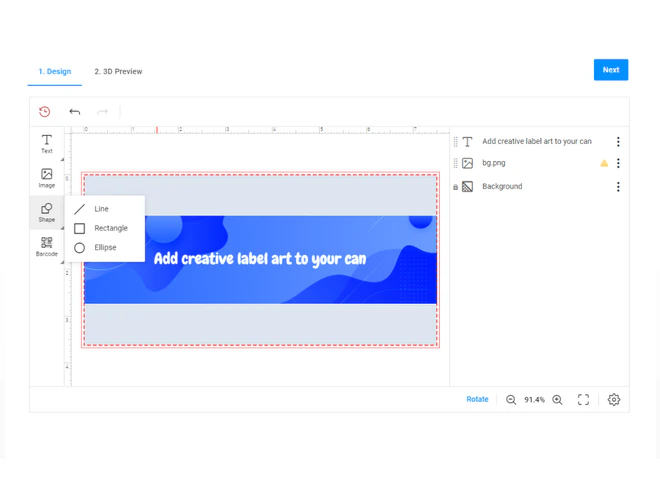
Offer personalized labels with editable designs, defined print areas, and product-specific sizes and shapes.
Boxes and cartons
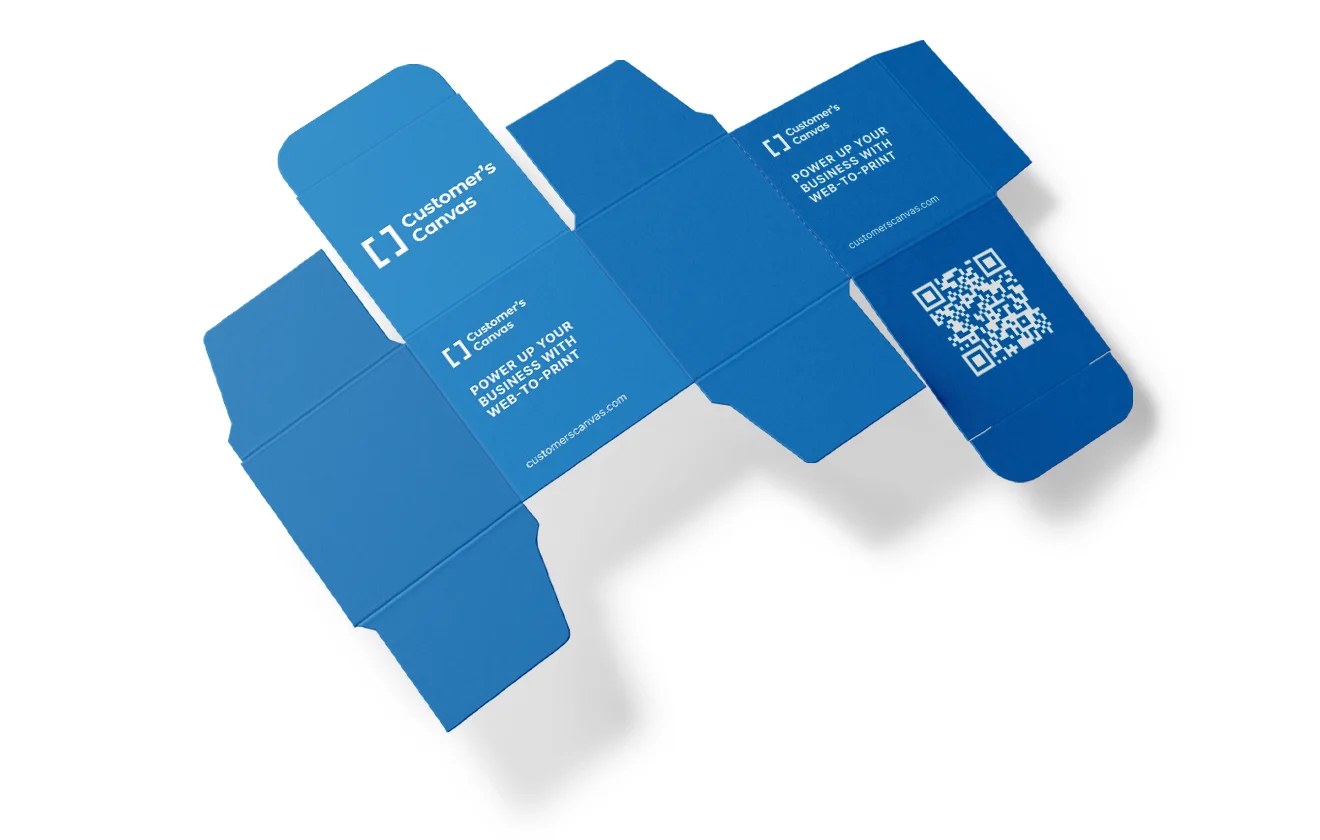
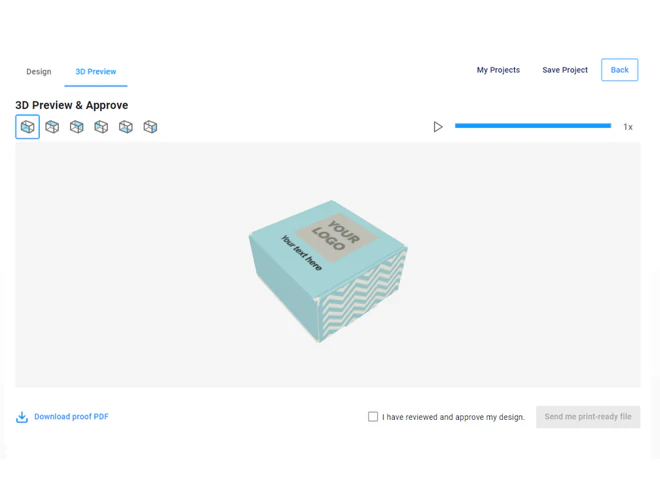
Let buyers customize folding cartons and corrugated boxes using prepared packaging structures, with artwork positioned across the appropriate panels.
Flexible packaging and sleeves
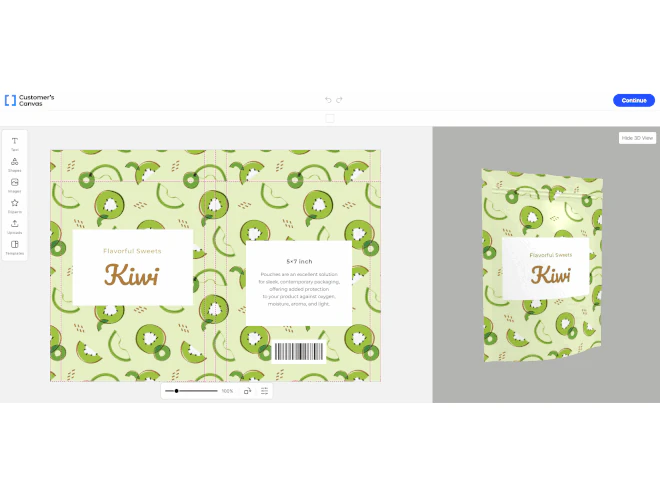
Configure personalization workflows for supported sleeves and flexible packaging formats, taking their printable surfaces and production requirements into account.
Let buyers customize packaging their way
Different orders call for different levels of creative freedom. Offer the right experience for each product.

Personalize a template
Let buyers update designated text, images, and design elements while keeping the underlying layout intact.

Upload existing artwork
Accept customer-supplied designs when buyers already have artwork prepared for their packaging.

Create a custom design
Give buyers more freedom to arrange content and create artwork within the configured printable area.
Show the finished package before it's ordered
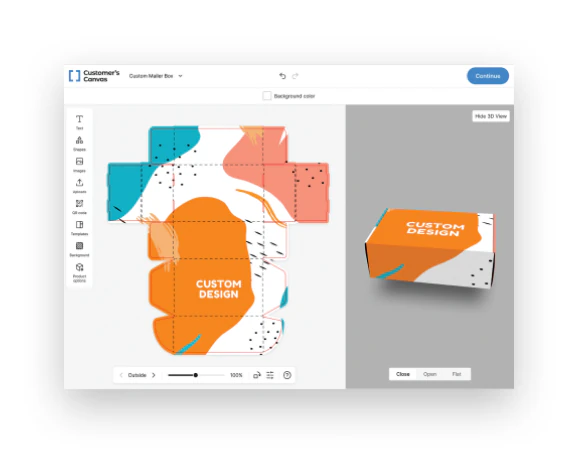
A flat design doesn't always show how artwork will look on a finished box.
Interactive 3D previews help buyers see their personalized design on a configured packaging model, including how artwork appears across its panels.
Move from approved design to production artwork
Online customization should deliver more than a visual preview.
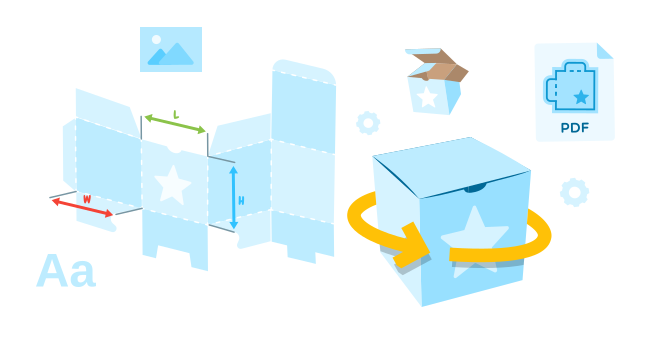
Generate production files based on the configured packaging design, including the artwork placement and output requirements needed for the next production step.
See personalized labels in action
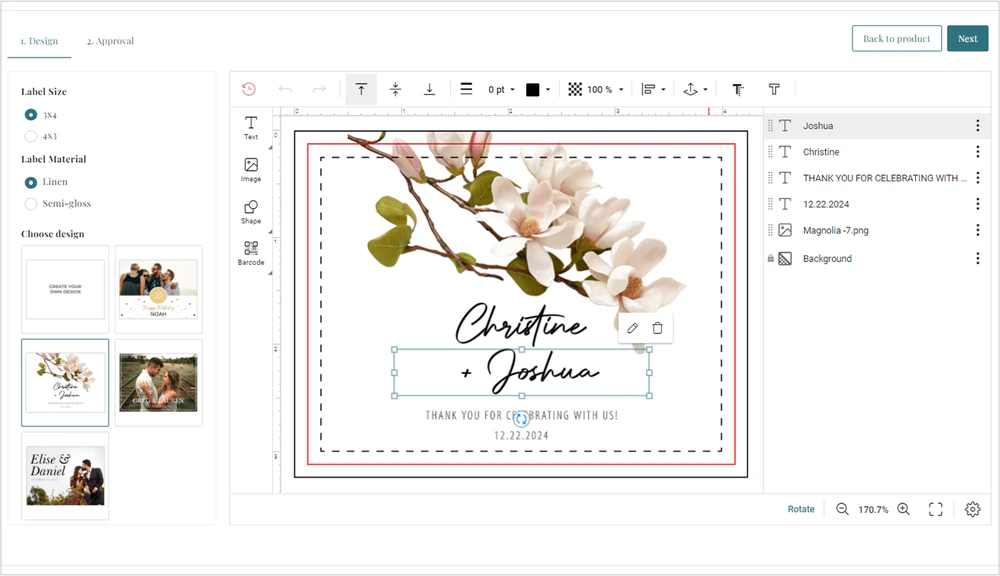
Pelee Island Winery introduced online label personalization in its WooCommerce store, allowing shoppers to customize wine labels as part of the purchasing experience.
See how the solution works in a real ecommerce setting.
Fit personalization into your sales workflow
Start with an online ordering solution or add personalization to the systems you already use.

Launch an online ordering portal
Use Customer's Canvas Portal to offer a configurable ordering experience for supported packaging products.

Extend your existing storefront
Add Customer's Canvas Hub personalization capabilities to supported ecommerce platforms and existing ordering workflows.

Build a custom solution
Use Customer's Canvas Hub APIs and components to create packaging personalization workflows within your own application.
Ready to take packaging orders online?
Tell us what you want to offer. We'll help you find the right approach for your business.