Add print-product customization to the application your customers already use. Customer's Canvas Hub provides specialized editing, templates, and rendering capabilities, so your team can build new print features without developing the entire technology from scratch.
Give your software print capabilities. Keep the product yours
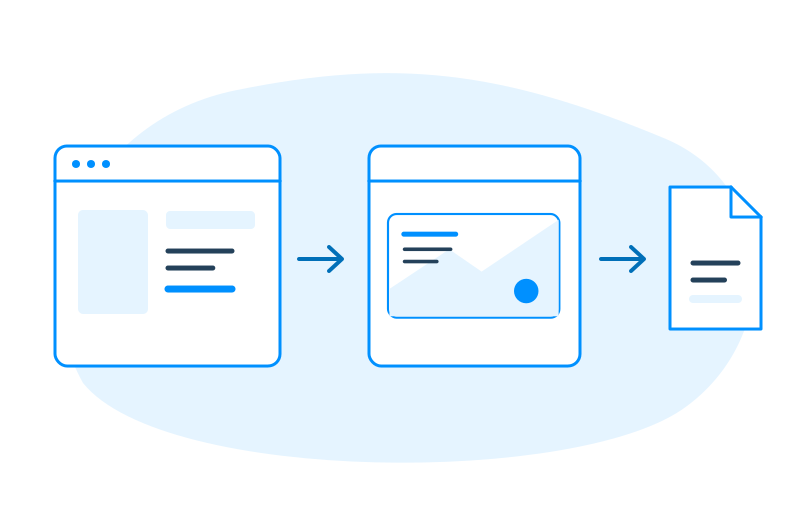
Bring print into the software your customers rely on
Print customization can be part of a shopping experience, a business ordering process, or a marketing campaign. Add the capabilities your users need while keeping the rest of their experience in your application.

Commerce and marketplace platforms
Let shoppers personalize physical products without leaving your storefront or marketplace. Keep product catalogs, pricing, and checkout in the commerce system you already operate.

B2B ordering platforms
Let business customers update approved designs, personalize branded materials, and preview their changes inside an existing customer portal or ordering application.

Marketing and campaign software
Bring personalized print artwork into campaign workflows. Use designs and data from your application to prepare materials such as direct mail, without replacing the campaign tools your customers already use.

Print MIS and order management platforms
Add customer-facing design and personalization to software that already manages print orders. Connect the resulting artwork and files to the existing order and production process.
Build the print experience your customers need
Adding print customization takes more than placing an editor on a page. Different products need different ways to personalize artwork, control what can change, and prepare the result for printing.
Customer's Canvas Hub provides reusable capabilities that your team can integrate into the experience you're building.

Personalization that fits the product
Let users edit prepared templates, customize designs through controlled fields, or work with more open-ended editing experiences. Choose the approach that suits the product and the task.

Templates and design assets
Build on configured designs and reusable assets instead of creating every print layout from scratch. Define which parts of a design customers can change and which should stay consistent.

Rendering and production files
Go beyond an on-screen preview. Use configured rendering workflows to generate artwork files for the next production step, with output requirements defined for the intended print process.
Your product stays in charge
Your customers already know your software. They shouldn't need to learn a separate application just to personalize something for print.
Your application continues to manage the customer experience and the business logic it owns, including accounts, catalogs, pricing, and ordering where applicable.
Customer's Canvas Hub supplies the specialized personalization capabilities you choose to integrate: configured designs, editing components, design data, and rendering services.
Your development team decides how these capabilities appear in the application, what information is exchanged, and how the resulting artwork enters the next workflow.
That means you can add print functionality without handing over control of your product.
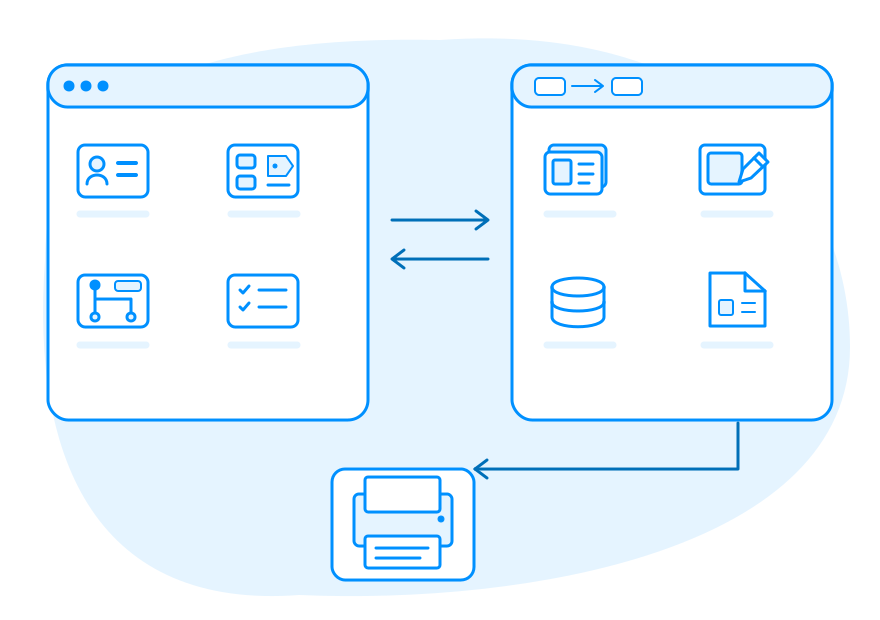
Start with one print product. Expand when you're ready
Your first request might be personalized business cards. Later, customers may ask for product labels, promotional items, or direct mail.
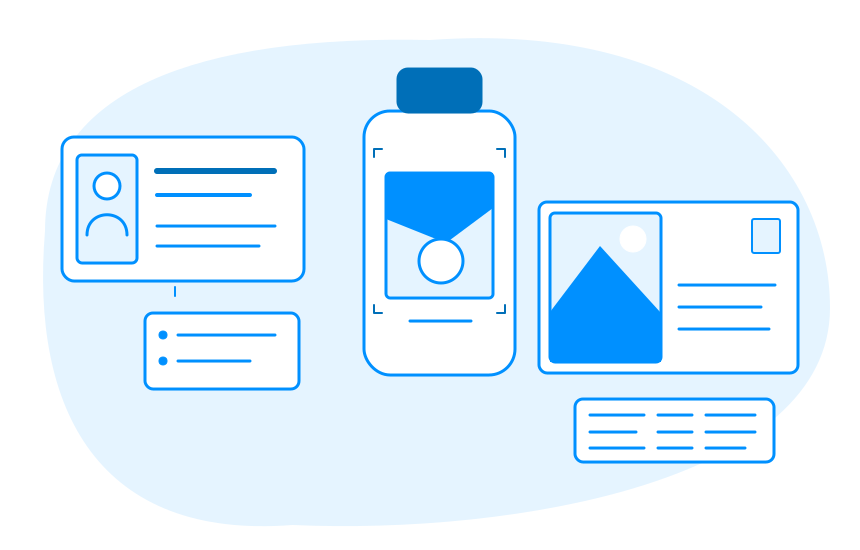
Each product brings its own design, personalization, and production requirements. A business card may need a few editable contact fields. A label may require a defined print area. A direct mail piece may use customer data to create many personalized versions.
With Customer's Canvas Hub, your team can build on reusable personalization and rendering capabilities as you introduce additional print-product experiences.
You still configure and integrate each new scenario, but you don't have to start the underlying design technology from scratch every time.
Test your first print feature before you commit
Start with one representative product and see how Customer's Canvas Hub fits into your application, from the editing experience to the files your workflow needs.

Embed an editor
Explore the available editing components and choose how personalization should appear inside your application.

Connect your application
Use Customer's Canvas Hub APIs to exchange the product, design, and project information your integration requires.

Generate print files
Test rendering for a representative design and inspect the files your application can retrieve or pass to the next system.
Let's talk about the print feature on your roadmap
Whether you're adding your first print customization feature or expanding an existing product, we'll help you assess how Customer's Canvas Hub can fit your application and what the integration would involve.