Give buyers the design control they need without making every order start in a full editor.
Make print personalization fit the product
Give customers the right way to personalize
A business card, a custom gift, and a direct mail piece do not need the same artwork experience. Match the way customers personalize each product to what they actually need to change.
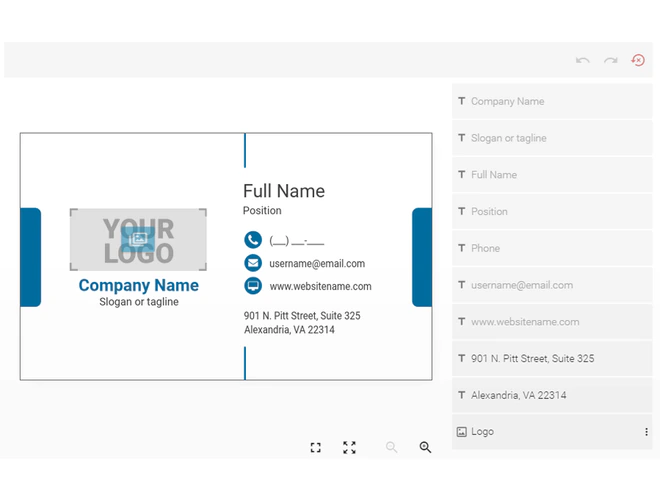
Edit a prepared template
Let buyers update names, titles, or images in predefined fields while keeping logos, layouts, and other brand elements protected. Ideal for business cards, stationery, and branded materials that need to stay consistent.
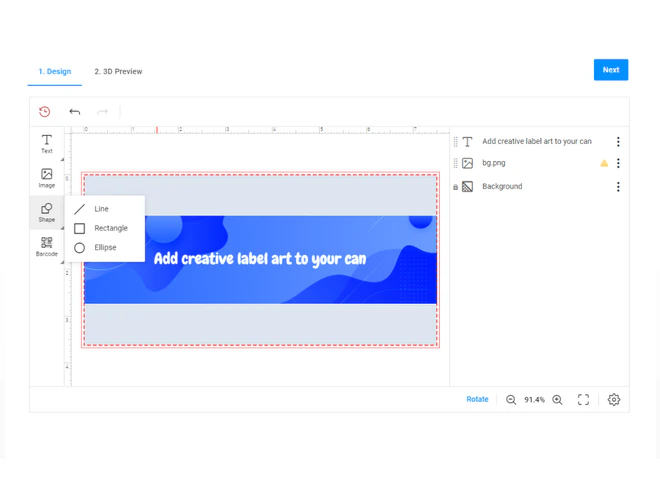
Design online
Give customers room to arrange text, images, and other design elements when the product calls for more creative freedom. Configure the available editing tools and restrictions for the experience you want to offer.
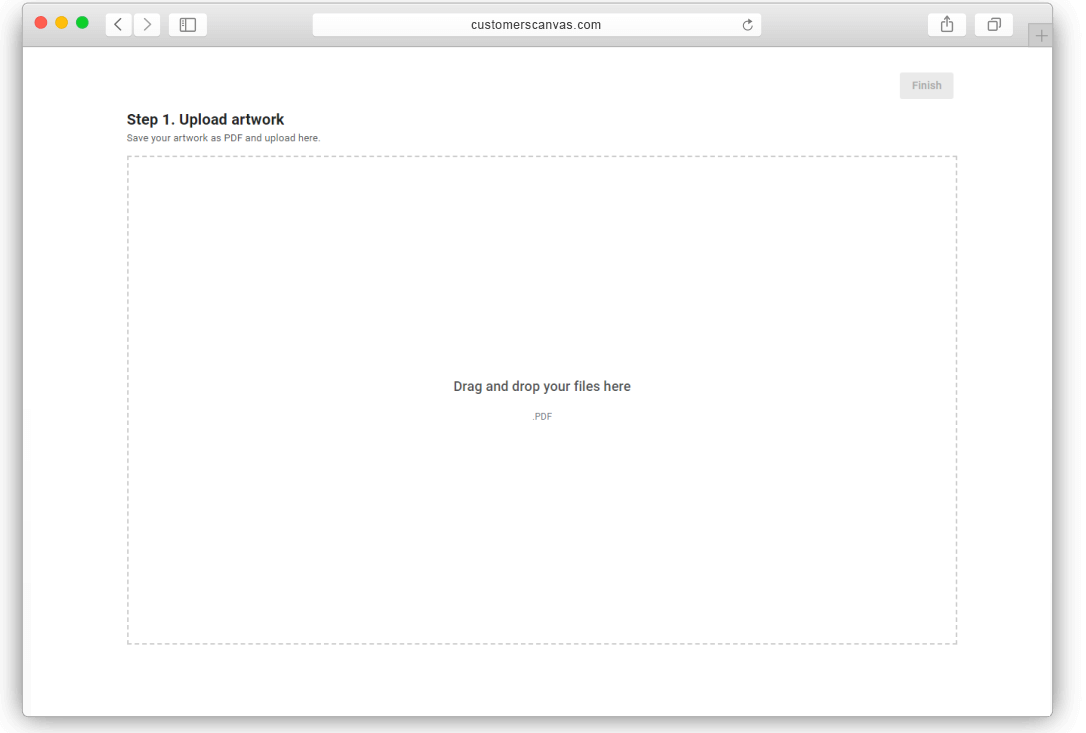
Upload existing artwork
Let customers submit designs they already have instead of recreating them online. Depending on the configured workflow, uploaded files can be checked against print requirements before production.
Personalize from data
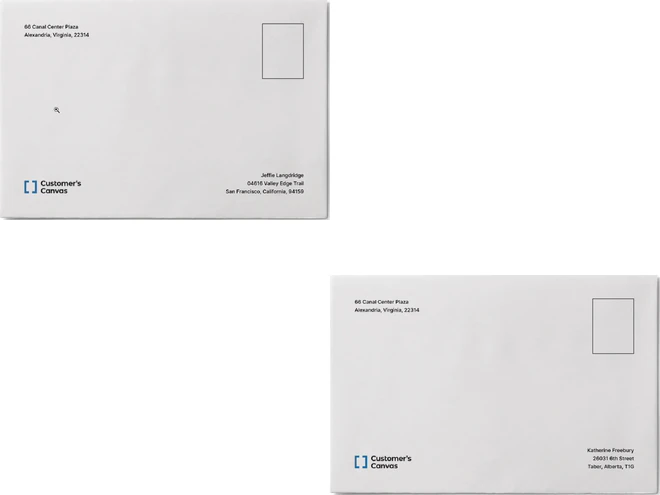
Start with one prepared design and use structured data to create variations across multiple printed pieces. For example, a direct mail campaign can use recipient data to change names, offers, or images.
Control what customers can change
A customer may need to enter a name, but not move the company logo. Define editable elements, protect the parts of the design that should stay fixed, and configure the tools available for each product.
Some products need no artwork editing at all. Customers can simply choose product options and submit their order.
Keep personalization simple from selection to preview
The best personalization experience lets buyers complete their task without unnecessary steps.
For a business card, that might mean selecting a design, entering contact details, and checking the updated preview. For a custom gift, it could mean arranging an image and a short message. For direct mail, the design may be prepared once and personalized using recipient data.
The interaction changes with the product, but the goal stays the same: help customers provide what is needed to produce their order without making the process harder than it needs to be.
Make personalization part of your ordering experience
Use a complete print ordering application, or bring personalization into the storefront or software you already run.

Customer's Canvas Portal
Offer configured product personalization inside a complete web-to-print ordering application, delivered with implementation services.

Customer's Canvas Hub
Add configured personalization and rendering to your existing storefront, or build the experience into your own application using components and APIs.
Give every product the right personalization experience
From controlled templates to online design and data-driven personalization, find the approach that works for your products and customers.