Let shoppers personalize printed products in your existing store while keeping production requirements in the workflow. Customer's Canvas Hub connects online design, product configuration, and artwork preparation without replacing your BigCommerce checkout.
Bring print-specific personalization to BigCommerce
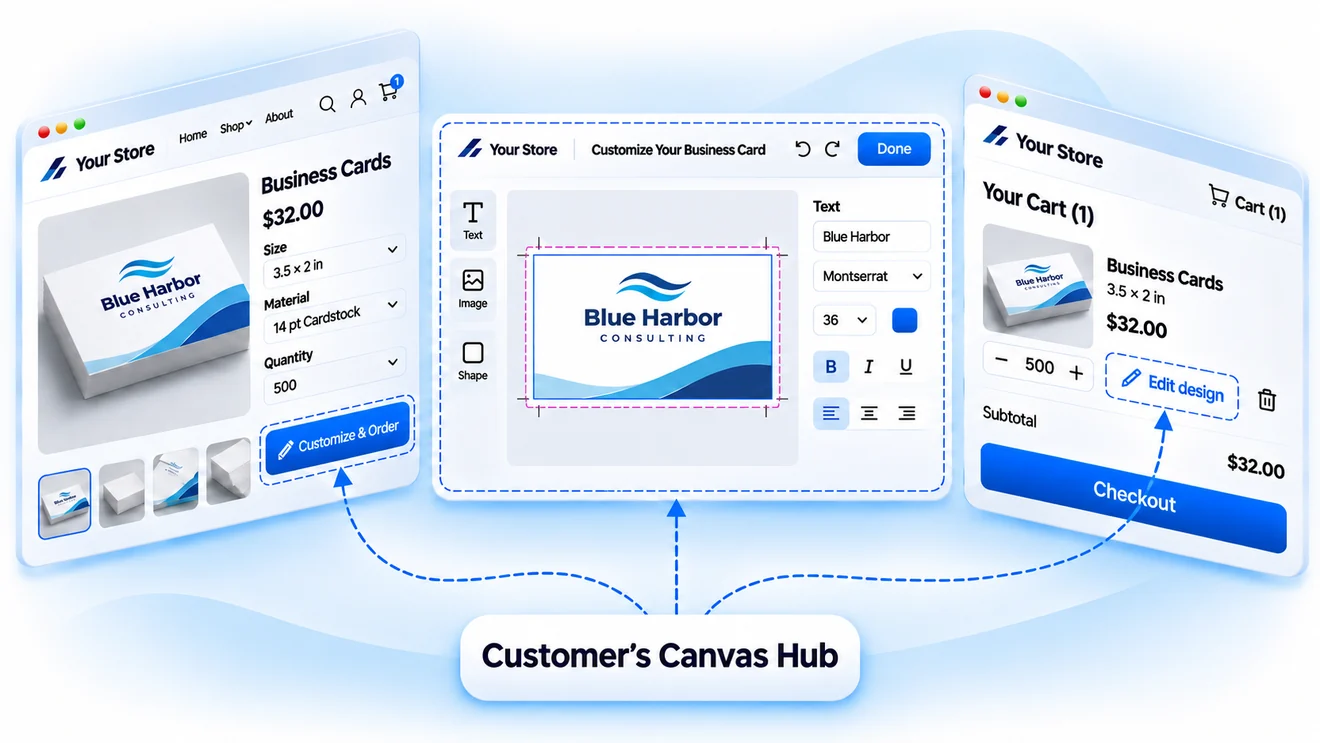
Turn your BigCommerce store into a place to create
Your customers already use BigCommerce to browse products, choose options, and place orders. Give them a way to create the artwork for those products, too.
Customer's Canvas Hub adds online editing, customizable templates, and artwork uploads to your existing commerce experience. Customers can prepare their designs before checkout, while you retain control over how personalization works for each product.
Give every print product the right design experience
A business card, a banner, and a custom box don't need the same editing tools. With Customer's Canvas Hub, you can tailor the personalization experience to the product and its production requirements.

Offer suitable personalization options
Let customers personalize prepared templates, work in an online design editor, or upload their own artwork. Choose the experience that fits what you're selling.

Build print requirements into the process
Configure dimensions, printable areas, editing restrictions, and artwork checks. Help customers create designs that meet your specifications before they reach production.
Keep the experience consistent with your brand
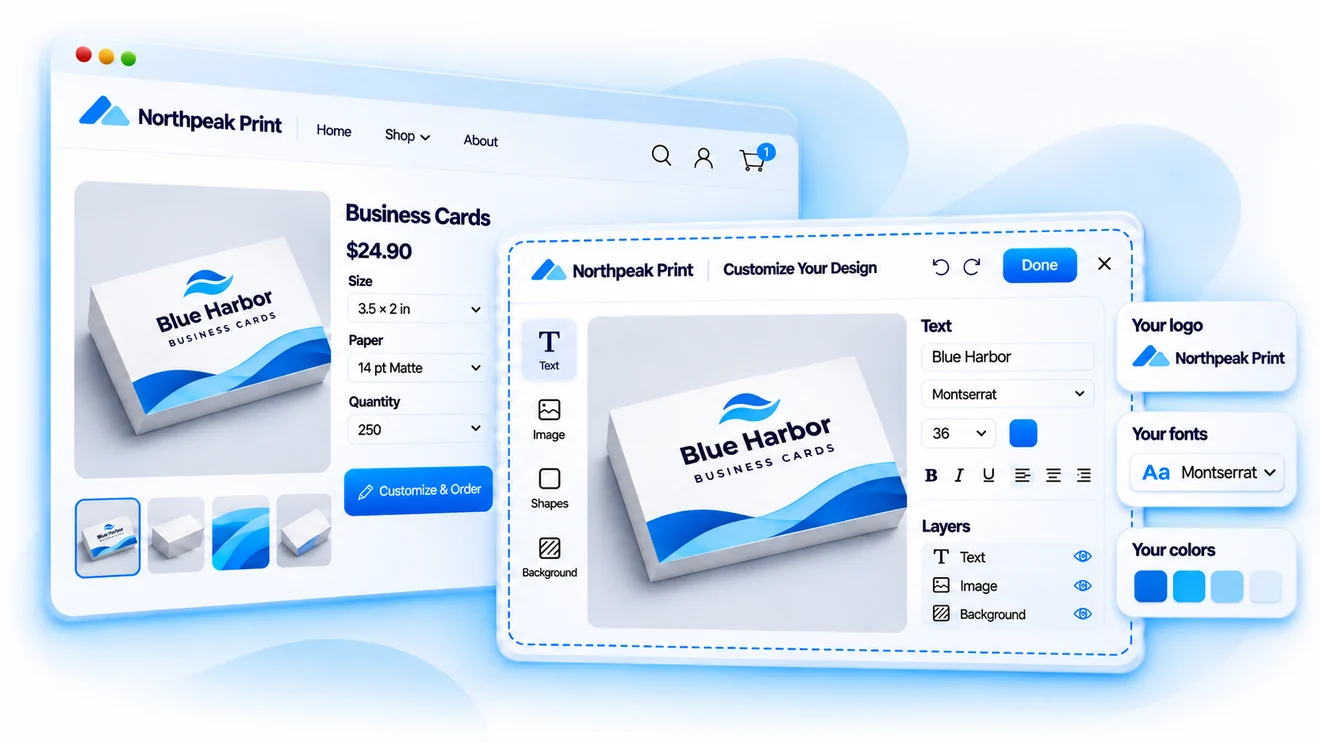
The design step should feel like part of your BigCommerce store, not a separate application.
Adapt the editor's colors, typography, and interface to your storefront. Configure the available editing tools and localize the experience for your audience, so shoppers can move from product selection to personalization without an abrupt change in experience.
Connect each design to the product you're selling
Personalization should reflect your product catalog and pricing model. Customer's Canvas Hub provides the configuration and integration capabilities to connect designs, product options, and pricing with your BigCommerce storefront.

Match designs to products and variants
Map BigCommerce products and variants to the appropriate personalization configurations, templates, and design options.

Adapt pricing to the product
Use prices managed in BigCommerce, configure pricing rules in Customer's Canvas Hub, or integrate an external pricing service to support your sales model.

Keep personalization details with the order
Connect customer selections and design information to the corresponding order, so downstream systems can identify the artwork and options associated with each purchased product.
Get production files, not just a design preview
A design that looks good on screen isn't necessarily ready to print. Customer's Canvas Hub helps bridge that gap by turning personalized artwork into production files using configurable output settings.

Generate files from customer designs
Prepare production artwork from designs created or personalized online, reducing the need to recreate customer files manually.

Set your output requirements
Configure file formats, rendering parameters, and other production settings for the products and workflows you support.

Connect artwork to production
Make generated files and related information available to your production workflow through the systems and integrations you use.
Make BigCommerce work for personalized print
Every print business has its own products, pricing rules, and production requirements. Tell us what you're selling and what needs to happen after checkout. We'll explore how Customer's Canvas Hub can support your BigCommerce workflow.