Offer online design for print products without rebuilding your nopCommerce shop. Customer's Canvas Hub connects product-specific editing, customer artwork, and production files to your existing ordering process.
Bring print personalization into your nopCommerce store
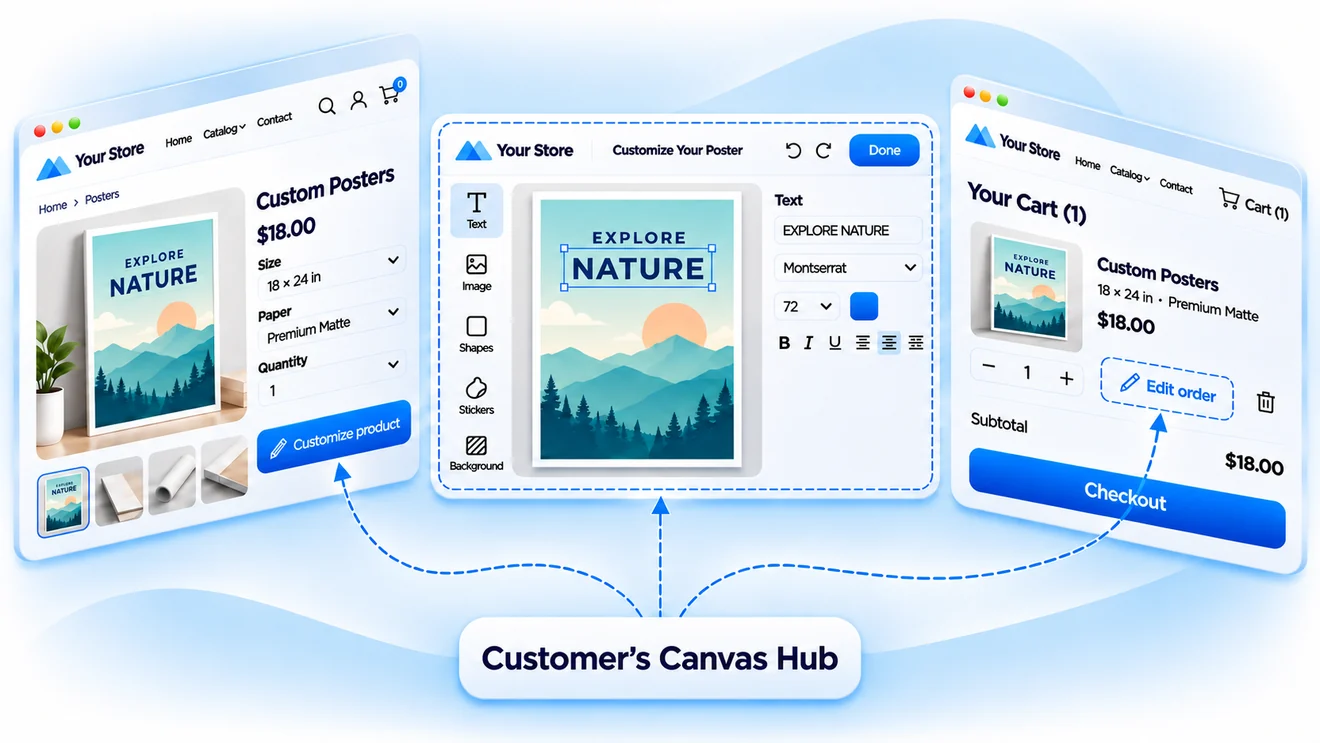
Keep your store workflow. Add the design step
Your nopCommerce store can continue to manage products, variants, prices, carts, and checkout. Customer's Canvas Hub adds a way for buyers to personalize printed products before placing their orders.
The design experience becomes part of the buying journey, while your ecommerce system remains responsible for the sale.
Choose how customers personalize each product
A customized business card needs a different experience from a sign or a promotional item. Configure the editing tools and design rules around the product instead of forcing every order through the same form.

Let customers design or upload artwork
Let buyers personalize a prepared template, create a design in the online editor, or upload their own artwork. Choose the approach that fits each print product.

Keep artwork within specifications
Set sizes, printable areas, and editing rules. Apply artwork checks where needed, so both edited designs and uploaded files meet your production requirements.
Make personalization feel part of your store
Customers should be able to design a product without feeling they've left your nopCommerce shopping experience.
Adapt the editor's visual appearance to your brand and configure which tools appear for each workflow. Keep the buying journey recognizable, from selecting product options to finishing the design and returning to the cart.
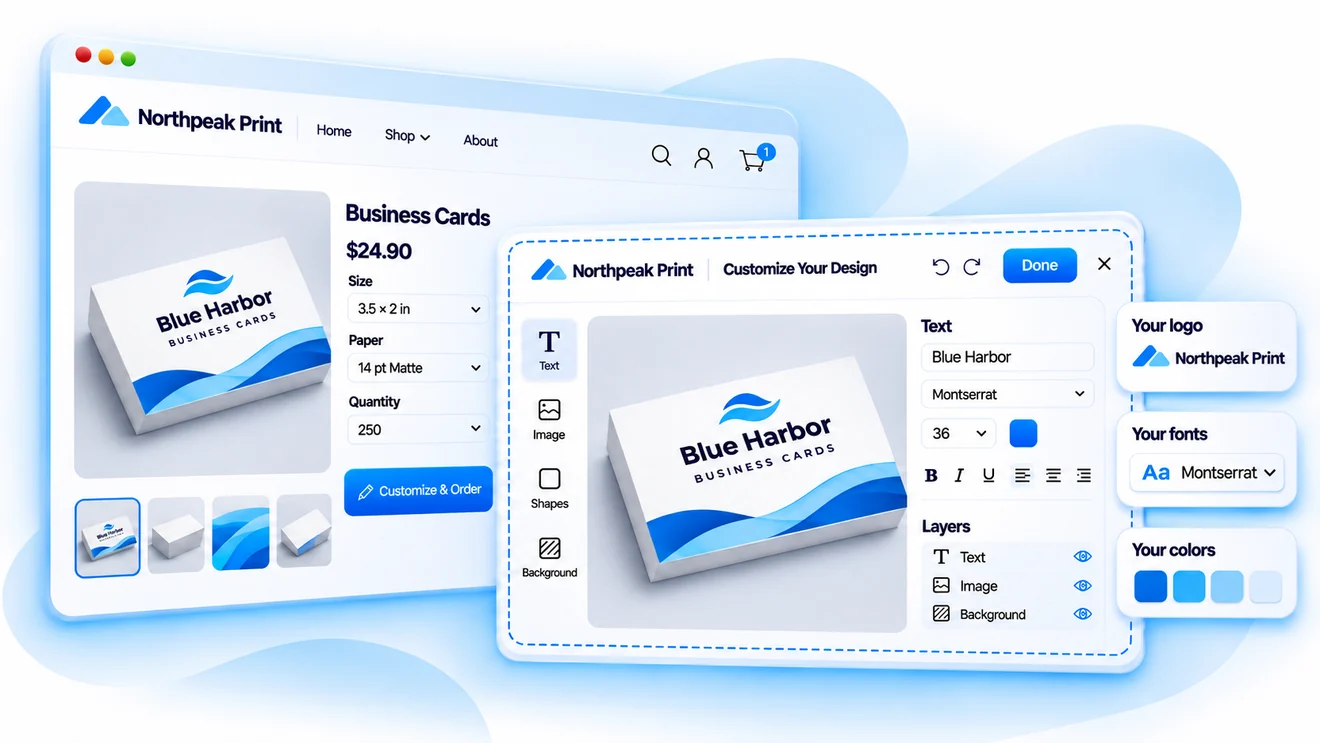
Connect product options to the right design
In nopCommerce, buyers choose the product and its options. Customer's Canvas Hub can use that context to open the appropriate personalization setup and retain the design information needed for the order.

Match products and variants
Associate nopCommerce catalog items and variants with the appropriate templates, product settings, and personalization workflows.

Keep control of how prices work
Keep standard prices in nopCommerce, and define additional pricing logic or integrations where product personalization requires it.

Keep artwork tied to an order
Carry a reference to the customer's personalized design through checkout, so the right artwork can be processed after purchase.
Turn completed orders into production artwork
The customer's design should not become another file your team has to rebuild. In a configured workflow, Customer's Canvas Hub can create a project from the order, process the personalized design, and produce files for fulfillment.

Create a project from the order
Use order and design information to create the Customer's Canvas Hub project that holds the details required for artwork processing.

Generate the files your printers need
Render personalized designs using the file formats and production settings configured for each print workflow.

Make artwork available for fulfillment
Let production staff download completed files or connect the output to downstream systems through a configured transfer process.
Plan your nopCommerce integration with us
Tell us about your store, the printed products you sell, and what your production team needs from each order. We'll help you evaluate the integration approach and discuss the setup needed for your nopCommerce environment.