

Image sources
When your customer personalizes your design, you can suggest them to use images from such external sources as Depositphotos, Instagram, Google Drive, and Amazon S3.
In the Image sources tab, you can set up an integration with DepositPhotos for now.
To create a new image source, click Create.
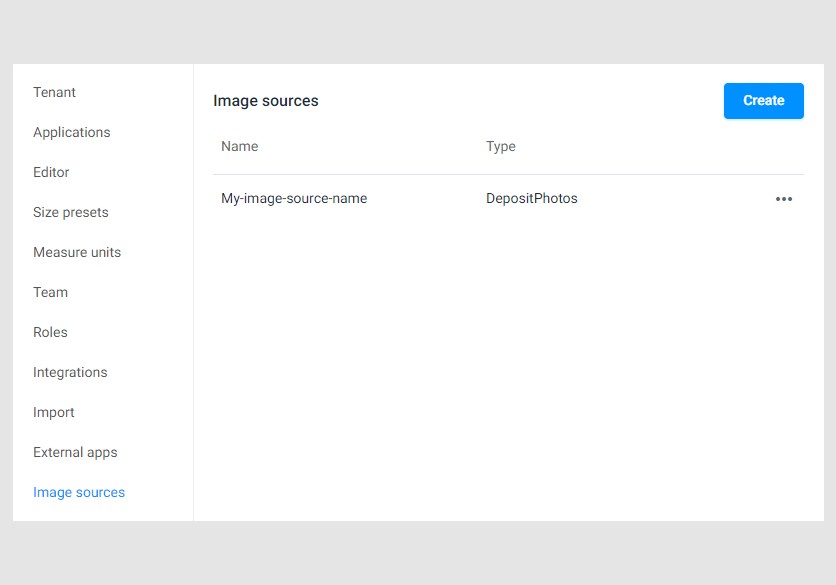
Then, select an image source in the drop-down list.

In a new dialog box, fill in the Basic group of fields.
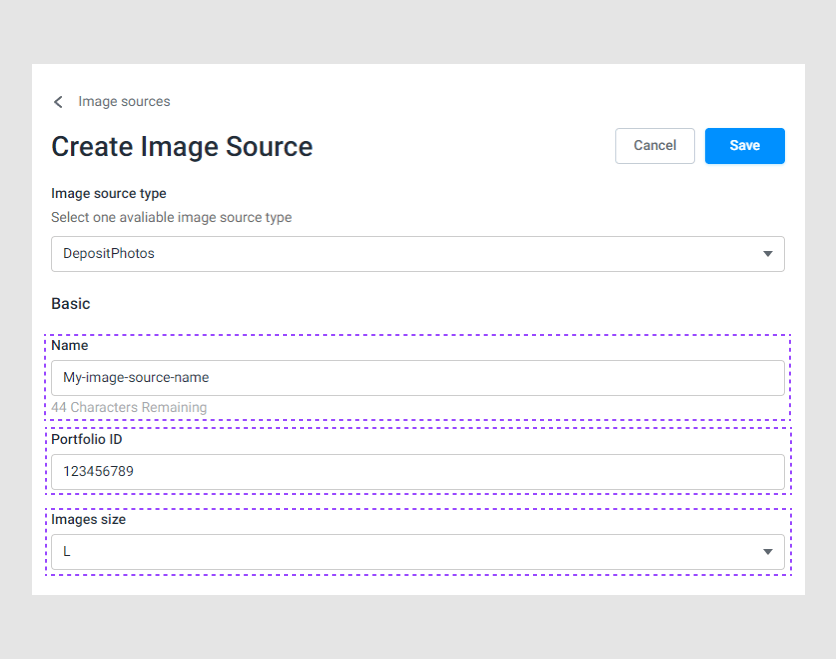
- The internal name of the image source.
- The portfolio ID in DepositPhotos.
- The image size that you will receive.
In the Connection group, fill in the following fields.

- Your DepositPhotos login.
- Your DepositPhotos password.
- The API key to use the DepositPhotos API.
Then click Save, and you will see the new source on the Image source tab.