

Handy Editor
Handy Editor is a Workflow Element that opens a WYSIWYG editor for freehand design editing. Use it on the editor screen when customers build a design from scratch or customize a template without rigid constraints.
The element comes in two variations. The regular au-handy-editor renders the design on a canvas. The 3D-enabled au-handy-editor-3d also renders an associated 3D mockup and updates its texture in real time. The 3D-enabled variation typically serves packaging, labelling, and promotional product scenarios.
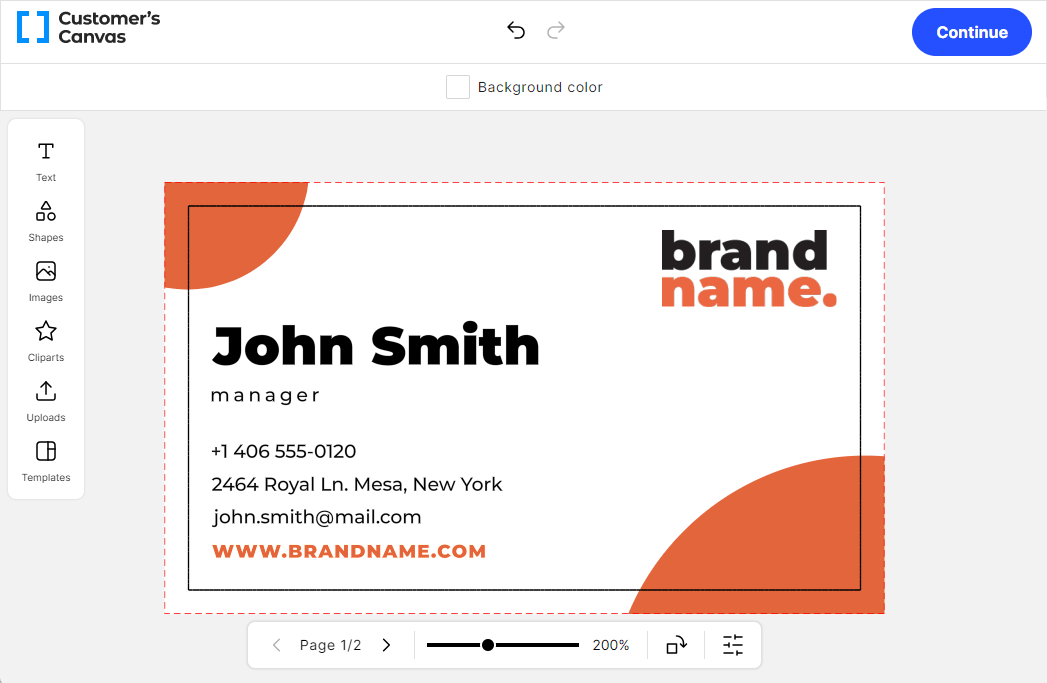
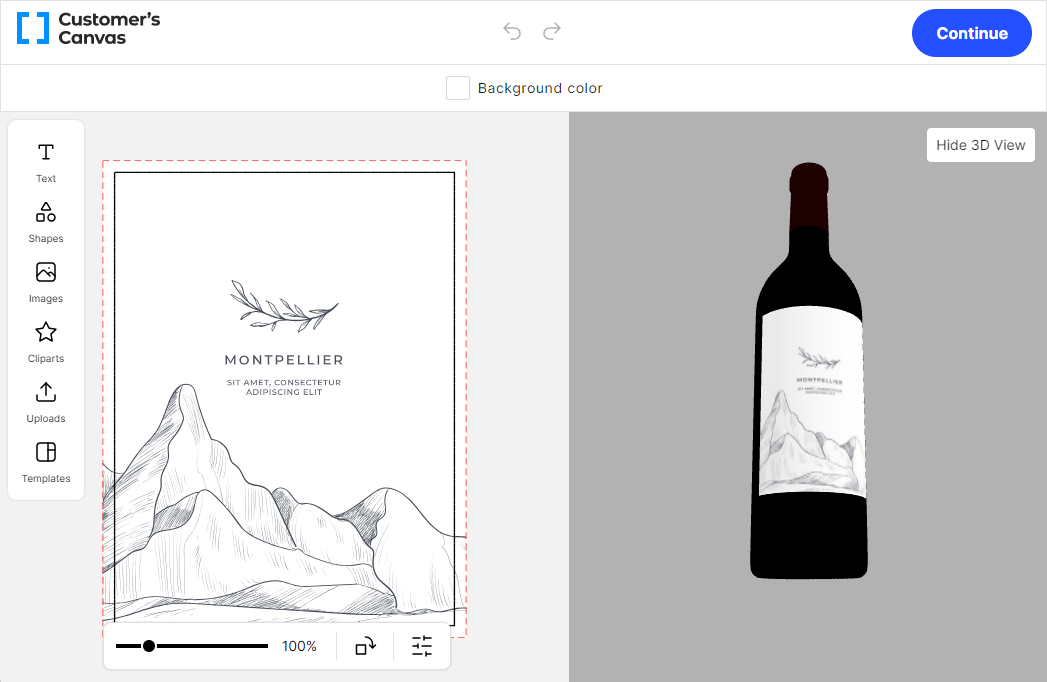
What you can do
- Load a product by PIM product reference, product ID, or design ID.
- Load a public design template, a private design, or a saved design for recovery.
- Configure the asset library, the image uploader, and the item tools.
- Set up preflight validation rules for resolution, print areas, and the number of colors.
- Apply finishing variations, such as foils, to colorless containers.
- Publish the configuration as a workflow file assigned to a product.
Configuration format
Regular Handy Editor
- Component:
handy-editor - Tag name:
au-handy-editor - Actual protocol version:
2
{
  "configVersion": 2,
  "component": "handy-editor",
  "tagName": "au-handy-editor",
  "input": {},
  "settings": {},
  "resources": {},
  "localization": {}
}
3D-enabled Handy Editor
- Component:
handy-editor-3d - Tag name:
au-handy-editor-3d - Actual protocol version:
2
{
  "configVersion": 2,
  "component": "handy-editor-3d",
  "tagName": "au-handy-editor-3d",
  "input": {},
  "settings": {},
  "resources": {},
  "localization": {}
}
Both variations accept the same input, settings, and resources. See the workflow file format to learn how one file combines several element configurations.
Recommended path
If you configure the Handy Editor for the first time, follow these pages in order:
- Choose how to load a product into the editor
- Configure the editor behavior
- Provide asset folders and finishing variations