

Template Editor
Template Editor is a Workflow Element that your employees use to create design templates and to edit designs. In the editor, they configure every element property that affects how the design looks and behaves.
Use this section to configure the editor itself: the toolbar, pages, print areas, property groups, and validation rules.
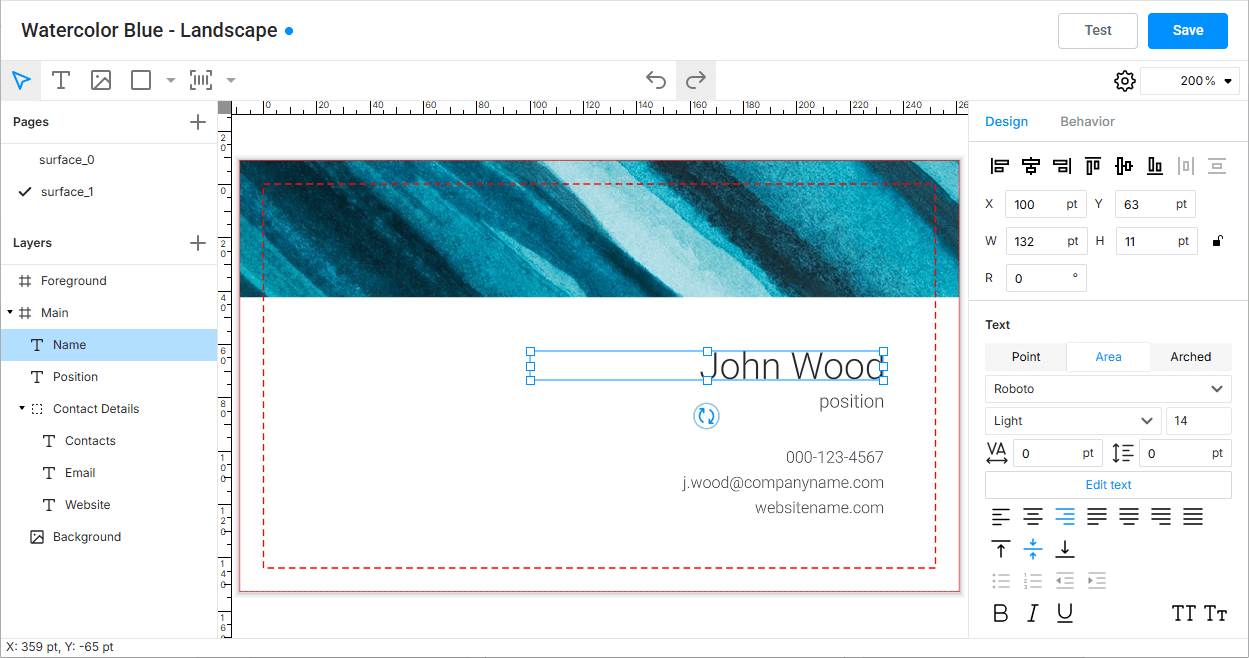
What you can do
- Set the initial properties of new text, rectangle, ellipse, image, barcode, and QR code items.
- Show or hide toolbar buttons, property groups, page controls, and the editor settings button.
- Configure print areas and the limited layers mode.
- Set up validation rules for design areas, safety lines, and image resolution.
- Provide asset folders for images and fonts, a default font, color profiles, and measurement units.
Configuration format
- Component:
template-editor - Tag name:
au-template-editor - Actual protocol version:
2
{
  "configVersion": 2,
  "component": "template-editor",
  "tagName": "au-template-editor",
  "settings": {},
  "resources": {}
}
See the workflow file format to learn how one file combines several element configurations.
Recommended path
If you configure the Template Editor for the first time, follow these pages in order: