It is becoming difficult to find a corner of print or design that has not been promised an AI solution.
Generate an image here.
Write copy somewhere else.
Create a concept in another tool.
Then move everything into a design application, assemble the layout, make adjustments, and eventually try to turn the result into something that can actually move through the print workflow.
That is not necessarily an AI workflow.
It is several different tools connected by a person.
And that person is still doing much of the work.
The multi-tool tax
The cost of using multiple AI tools is not limited to subscription fees.
There is also the time spent moving between them.
- Generate a concept.
- Download the result.
- Write or rewrite the copy.
- Bring the assets into a design environment.
- Choose a layout.
- Adjust the text.
- Reposition elements.
- Change the typography.
- Make another revision.
- Export the result.
At each stage, there is another handoff.
And every handoff brings more manual work.
For agencies, creative teams, and print businesses that provide design services for customers, those additional steps can quickly become the least efficient part of the workflow.
A concept is not the same as a design
This distinction matters.
An AI-generated image can be useful.
So can AI-generated copy.
But neither is the same as an actual editable design.
A print design has structure.
- There are text elements.
- Images.
- Logos.
- Backgrounds.
- Colors.
- Typography.
- Layout relationships.
And those elements often need to change several times before the customer is ready to approve the result.
If AI produces only a flattened visual concept, someone still has to rebuild or recreate much of that structure before the design becomes useful.
That is where a large part of the promised efficiency can disappear.
Generating the idea is only one part of the work.
The more important question is what happens to that idea next.
AI Design Copilot takes a different approach
AI Design Copilot inside Customer’s Canvas is designed to bring AI assistance into the actual print design workflow.
The starting point can be simple.
Describe what you need in plain language.
Choose the print product and an appropriate layout.
Then let the Copilot help create the first design.
The important difference is what it produces.
The result is not simply another image that has to be imported and rebuilt somewhere else.
It is a real design made from editable elements inside the Customer’s Canvas environment.
That means the workflow can continue from there.
- The copy can change.
- The typography can change.
- The visual direction can change.
- Individual parts of the design can still be adjusted.
AI creates a starting point without turning the result into a dead end.
The value is in the hours removed
AI has already demonstrated that it can accelerate creative tasks.
That alone is not enough.
For a print business, the commercial value comes from the work that no longer needs to be done manually.
Consider the first draft.
A customer arrives with an idea, but not a finished design.
Someone needs to understand the brief.
Choose an appropriate layout.
Prepare the initial copy.
Select imagery.
Arrange the elements.
Create something the customer can react to.
For simple and repeatable work, that first draft can consume more time than the creative challenge really justifies.
If AI can produce a usable editable starting point in a fraction of that time, the economics begin to change.
A designer can spend less time building routine concepts from scratch.
An account or creative team can respond to customers faster.
A smaller print business can help customers who arrive with an idea but no finished artwork.
The objective is not to add another AI feature to a software checklist.
It is to remove real work from the process.
The first draft is only the beginning
There is another limitation in many AI design workflows.
They are very good at generating something.
They are less useful when the user wants to keep working with it.
Real customer conversations rarely end after the first draft.
- Make the headline shorter.
- Use a different tone.
- Change the color direction.
- Make this text more prominent.
- Try another layout.
- Keep the logo but change the rest.
Those are normal design revisions.
And they are where an AI assistant becomes much more useful if it can work with the design itself rather than simply generate another image.
AI Design Copilot is built around that idea.
Instead of treating generation as a one-time event, AI can become part of the editing process.
The user describes the change.
The design can be adjusted while remaining an editable design.
That creates a different relationship between AI and the creative workflow.
You are not just asking AI to make an image. You are working with AI on the design.
Print context matters
General-purpose AI tools do not necessarily know what the user is trying to produce.
A social image, presentation slide, business card, brochure, and direct-mail piece may all begin with similar creative prompts.
But they are not the same product.
The available space is different.
The layout expectations are different.
The content structure is different.
And the design ultimately has to fit the product being ordered.
That context matters.
AI Design Copilot works inside a print personalization environment where the product and design structure already exist.
The AI is not starting from an unlimited blank canvas with no connection to the final application.
It is working within the context of the design that will continue through the Customer’s Canvas workflow.
That makes the output more useful than an isolated visual concept.
Why skepticism is reasonable
AI has been marketed aggressively.
That makes skepticism healthy.
There is no shortage of tools that can generate impressive images or concepts in seconds.
A trade-show demonstration can make almost any technology look compelling.
The harder test is what happens afterward.
- Can the result still be edited?
- Can the customer request changes without starting again?
- Does someone need to rebuild the design manually?
- Does the output fit the actual product?
- Can the design continue through the existing personalization and ordering workflow?
If the answer is no, the efficiency gain may be smaller than it first appears.
AI in print only matters if it pays for itself
That is the principle behind Customer’s Canvas’s approach.
As Dmitry Sevostyanov, CEO of Customer’s Canvas, puts it:
“AI in print only matters if it pays for itself.”
The point is not that AI is inherently valuable.
The point is that it should create a measurable operational benefit.
That benefit might appear as:
- Reduced time to the first draft.
- Fewer routine design hours.
- Faster customer revisions.
- More design work handled by the same team.
- The ability to serve jobs that previously consumed too much manual effort to be commercially attractive.
The technology matters because of what it changes in the economics of the workflow.
AI should reduce the workflow, not add to it
For businesses already experimenting with AI, one of the biggest risks is adding yet another step.
Generate something with AI.
Then move it somewhere else.
Then rebuild it.
Then continue working as before.
The AI may have saved a few minutes at the beginning while adding another handoff to the overall process.
A more useful model is to put AI closer to the work itself.
The design remains editable.
The user can continue making changes.
The result stays inside the environment where the print design is being created and personalized.
That reduces the distance between the idea and the usable design.
The goal is not to add AI to the workflow.
It is to make the workflow shorter.
This is not about replacing designers
The value of an AI Design Copilot is not that creative expertise suddenly becomes unnecessary.
There will always be work that requires judgment, taste, brand understanding, and experienced design decisions.
There will also be customers whose projects deserve a fully custom creative process.
But not every design request requires the same amount of manual effort.
Many print businesses handle large volumes of straightforward, repeatable design work.
- A new business card.
- A promotional flyer.
- A local event piece.
- A variation of an existing campaign.
- A customer who knows what they want but does not know how to build it.
These are exactly the kinds of tasks where reducing the time to a useful first draft can create meaningful capacity.
The designer still matters.
They simply spend less time doing work that AI can help accelerate.
The real test is what happens at the other end
The most important measure of an AI design tool is not how quickly it generates something impressive.
It is what happens next.
- Can the result remain editable?
- Can the user keep working with it?
- Can revisions happen without rebuilding the design?
- Can it stay connected to the actual print product?
- Can a print business reduce the time spent getting from a customer idea to a usable design?
Those are the questions that determine whether the technology creates a return.
See AI Design Copilot in action
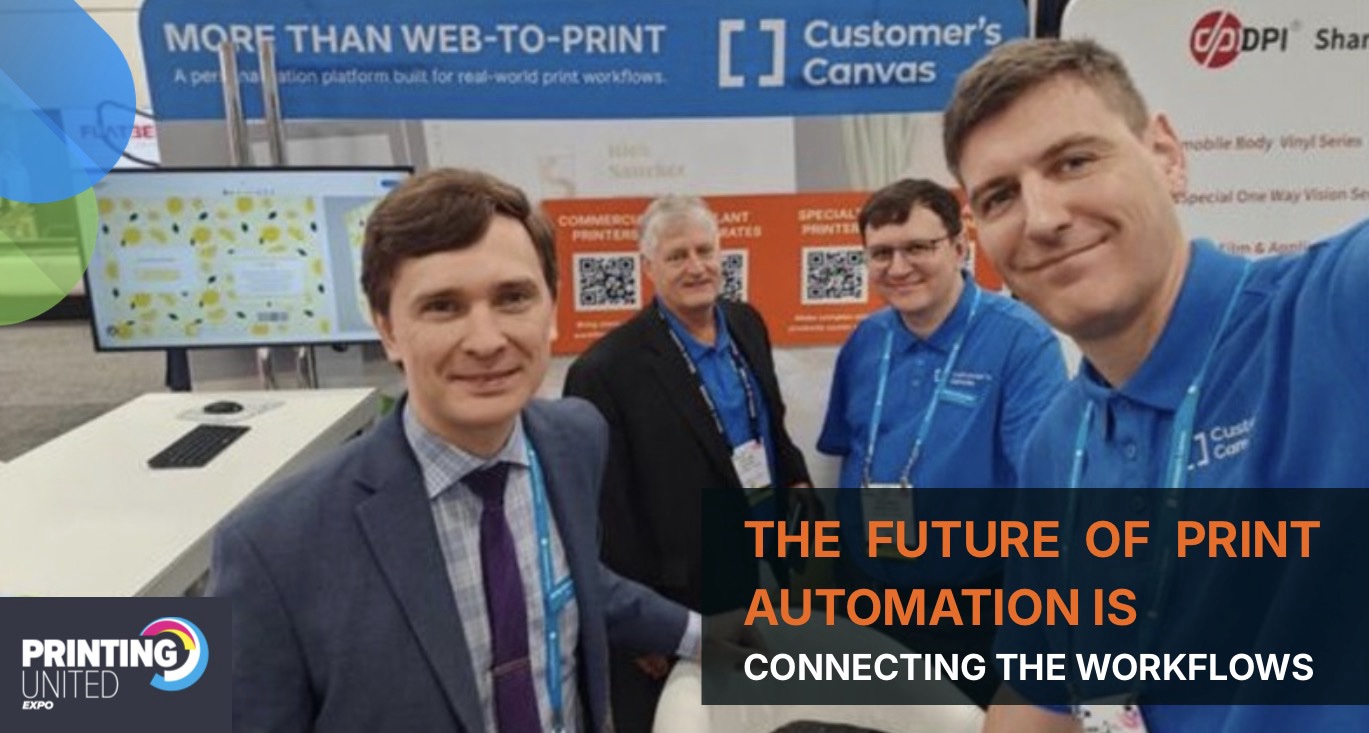
At PRINTING United 2026, Customer’s Canvas will demonstrate AI Design Copilot live.
Visitors will be able to see a short brief become an editable print design, then see that design continue to evolve through AI-assisted changes rather than being exported as a finished image and rebuilt somewhere else.
For print businesses, agencies, and creative teams exploring AI today, the question is straightforward:
How much design time could you save if AI worked on the actual editable design instead of creating another asset that someone still has to turn into one?
See AI Design Copilot live at PRINTING United 2026.Booth C230
customerscanvas.com/company/events/printing-united-26