

Connecting products to e-commerce system
The last step in creating a PIM product is defining its connection to your storefront product. Follow these steps:
-
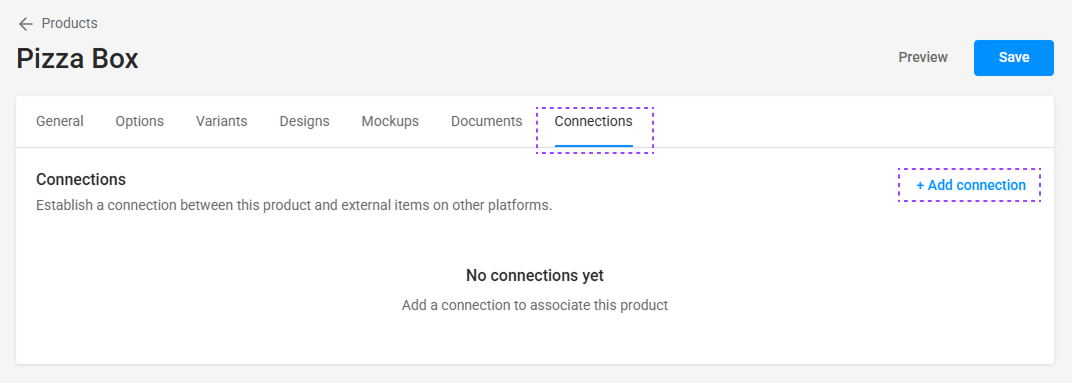
Click the Connections tab and then click Add Connection.
-
In the popup window, click Storefront and select your desired integration. If no e-commerce integrations exist yet, consult the Integrations guide to set up integration settings.

-
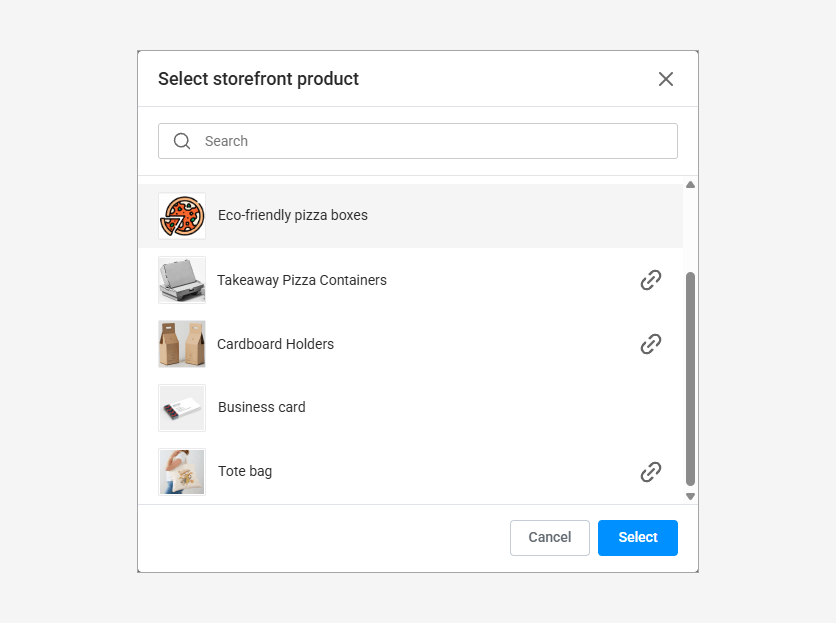
Next, click Storefront Product, pick a product from the drop-down list, and click Select.
note
Selecting a storefront product that's already connected to another PIM product will replace the current connection with the newly selected one.