- Introduction
- What's New?
- Features
- Upgrading the Design Editor
- Breaking Changes in 6.0
- Getting Started
- Integration with E-commerce
- Integration with Remote Asset Sources
- Printable Files and Proof Images
- Configuring Products
- Creating Product Templates
- Creating and Editing Templates in Customer's Canvas
- Elements for Creating Designs in Customer's Canvas
- Supported Markers
- Setting Markers Outside of Templates
- Defining Marker Shortcuts
- Text Elements in Customer's Canvas
- Image Placeholders
- Specifying the Image Source Folder
- Stroke and Shadow Effects in Customer's Canvas
- In-String Placeholders and Text Validation
- Text Wrapping in Customer's Canvas
- Barcode Placeholders
- Copyfitting
- Restricting Editing Designs to Certain Regions
- Product Themes
- Product Layouts
- Group Elements in Customer's Canvas
- Photoshop Templates
- InDesign Templates
- User Interface
- Configuration Files
- APIs
- Add-ons
- System Requirements
- Troubleshooting
- Migrating Your Applications
- Licensing
- Copyright Notices
You’re viewing outdated documentation. View the latest Customer’s Canvas On-Premises documentation.
Text Wrapping in Customer's Canvas
Applies to: Customer's Canvas On-Premises; Design Editor 6.15.0, 6.x (may differ) · Archived documentation
Products like books, magazines, booklets, etc. may contain large text areas. Large plain texts are boring and they make catching the main idea, at first sight, difficult. So, if your users want to create eye-catching products that attract attention, they can use rich formatted text. This text type can wrap around other elements or inside shapes.
To wrap text in your products, you can just enable this feature in InDesign templates through the Text Wrap panel. In Photoshop templates, you need to apply markers to objects being wrapped.
Customer's Canvas provides four ways to combine images (shapes) and text areas:
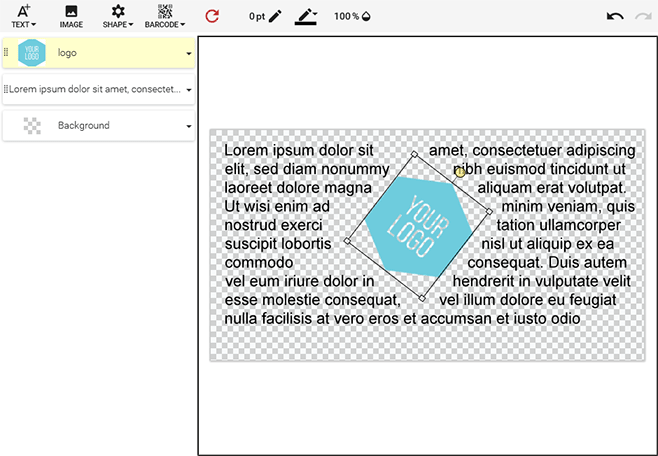
- Text wraps around the image's bounding box.
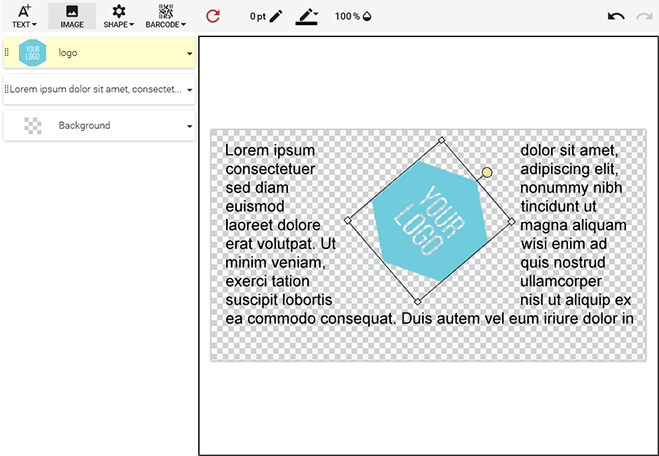
- Text wraps around the image's shape.
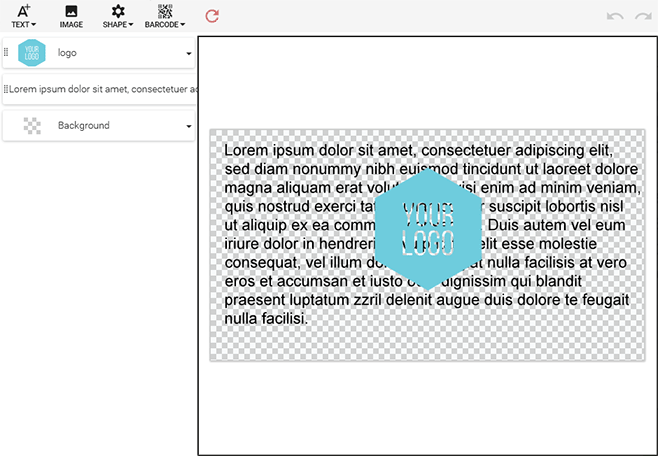
- Images overlay underlying text.
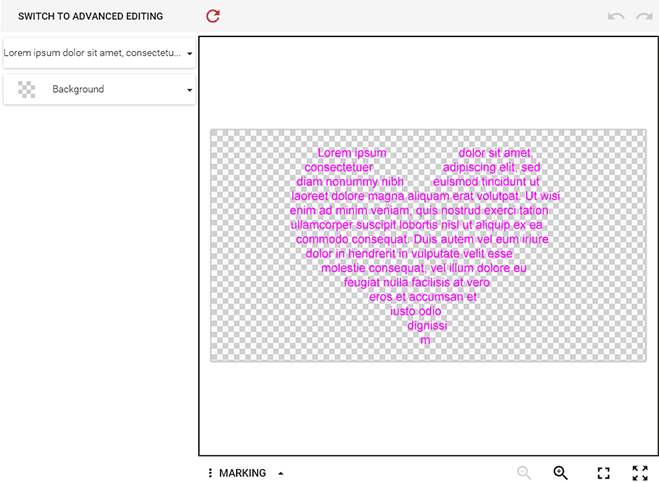
- Text appears inside a shape.